Maintenance
-
*If there is no printing for a long time in the later stage, the material barrel and extruder should be cleaned in a timely manner after the current printing work is completed.
- Storage and cleaning of material barrels.
- After printing is completed, cut off the power supply, release the pressure through the pressure regulating valve, and then remove the material cylinder from the extruder unit.
- If there is a lot of mud remaining, the entire material barrel can be soaked in a water tank for storage and continued use next time.
- If there is less remaining clay it is recommended to clean it directly.
- Remove the metal cover:
- Invert the material cylinder and tap it down on a flat tabletop or ground to remove the piston;
- Cleaning tools such as brushes can be used to clean the inner wall of the material barrel.
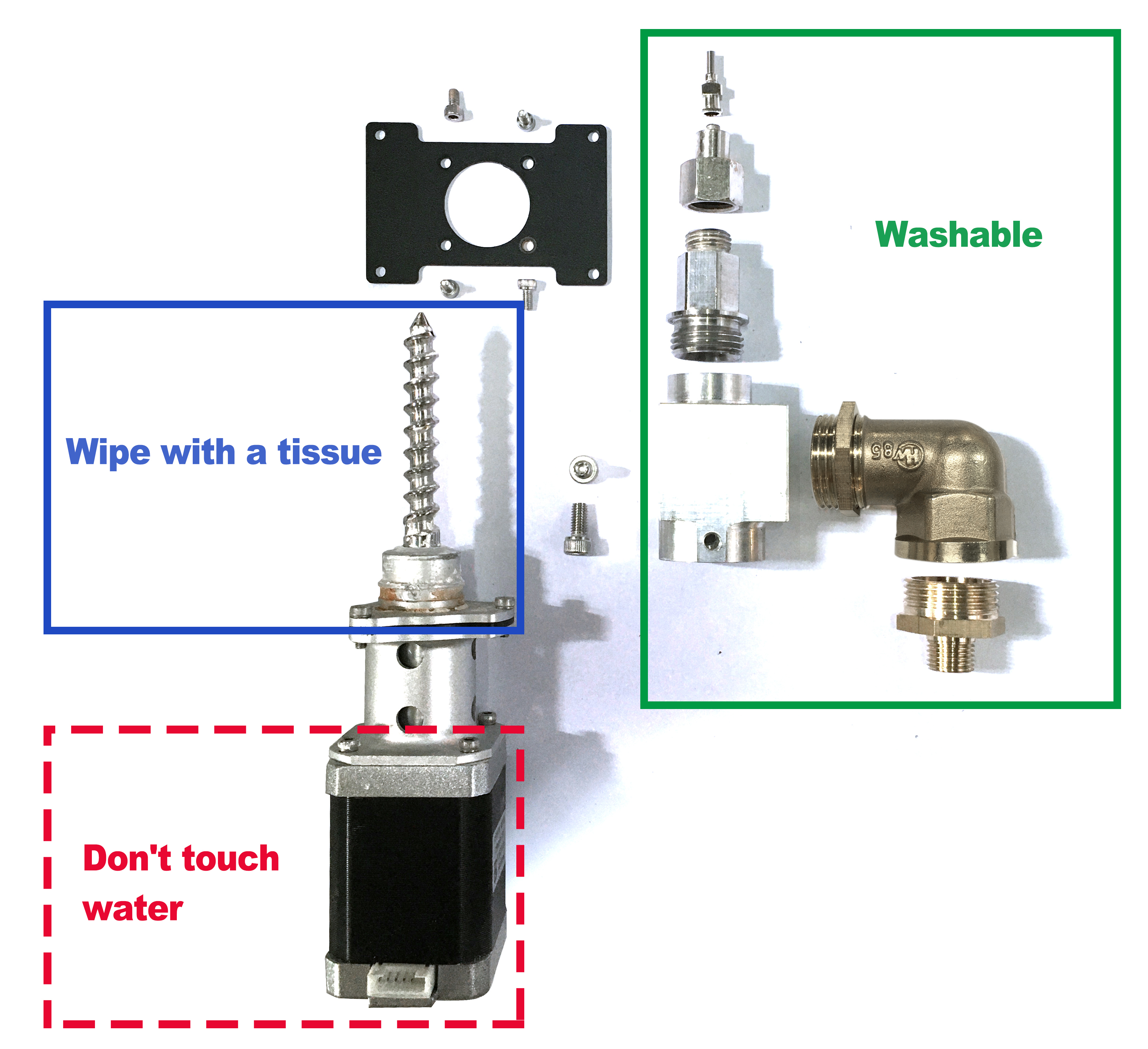
- Clean the extruder components.
- Pull out the motor connection wire and use a 2.5mm hex wrench to remove the extruder from the slide rail.
- Disassemble the extruder and clean the internal mud, taking care not to touch the motor part with water. (Fig. P-56)
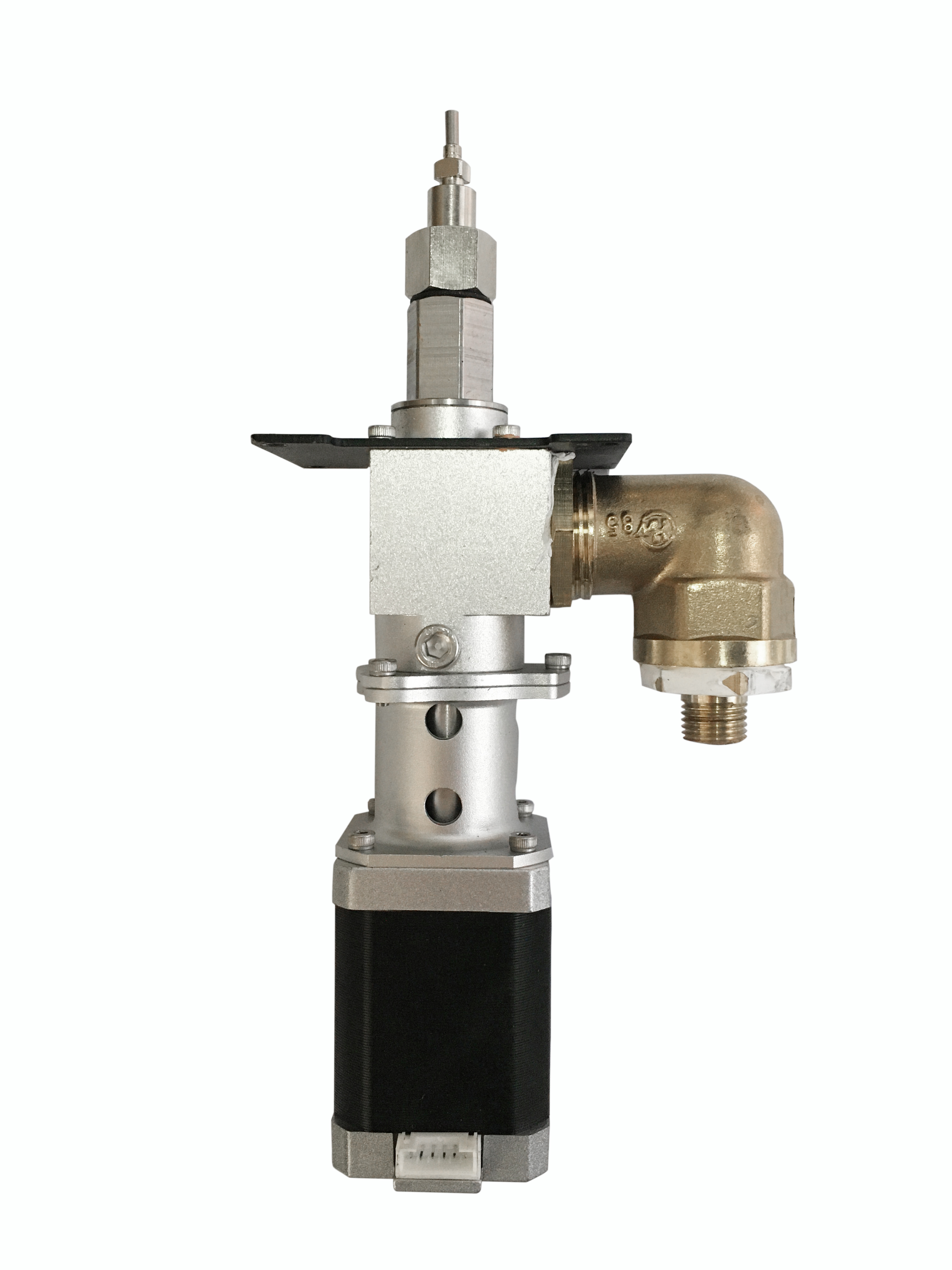
P-56
- Other precautions.
- Do not place the device in a damp environment;
- The equipment should be placed on a flat desktop for operation;
- After printing, the device power should be disconnected and the pressure should be relieved;
- Clean the equipment promptly and keep it clean after printing is completed;
- Unused mud should be sealed and stored for moisture retention;
- To avoid model deformation, do not touch the model, moving platform, glass etc. with your hands during printing or shortly after printing is completed;
- Regularly oil the slide rails and screw rods.