Power-off Resume Printing
- If there is an unexpected power outage during printing, restart the device after the power is restored.
- Click on the [Print] icon in the control panel. (Fig. P-53)
- Select the model that was being printed before the power outage. (Fig. P-54)
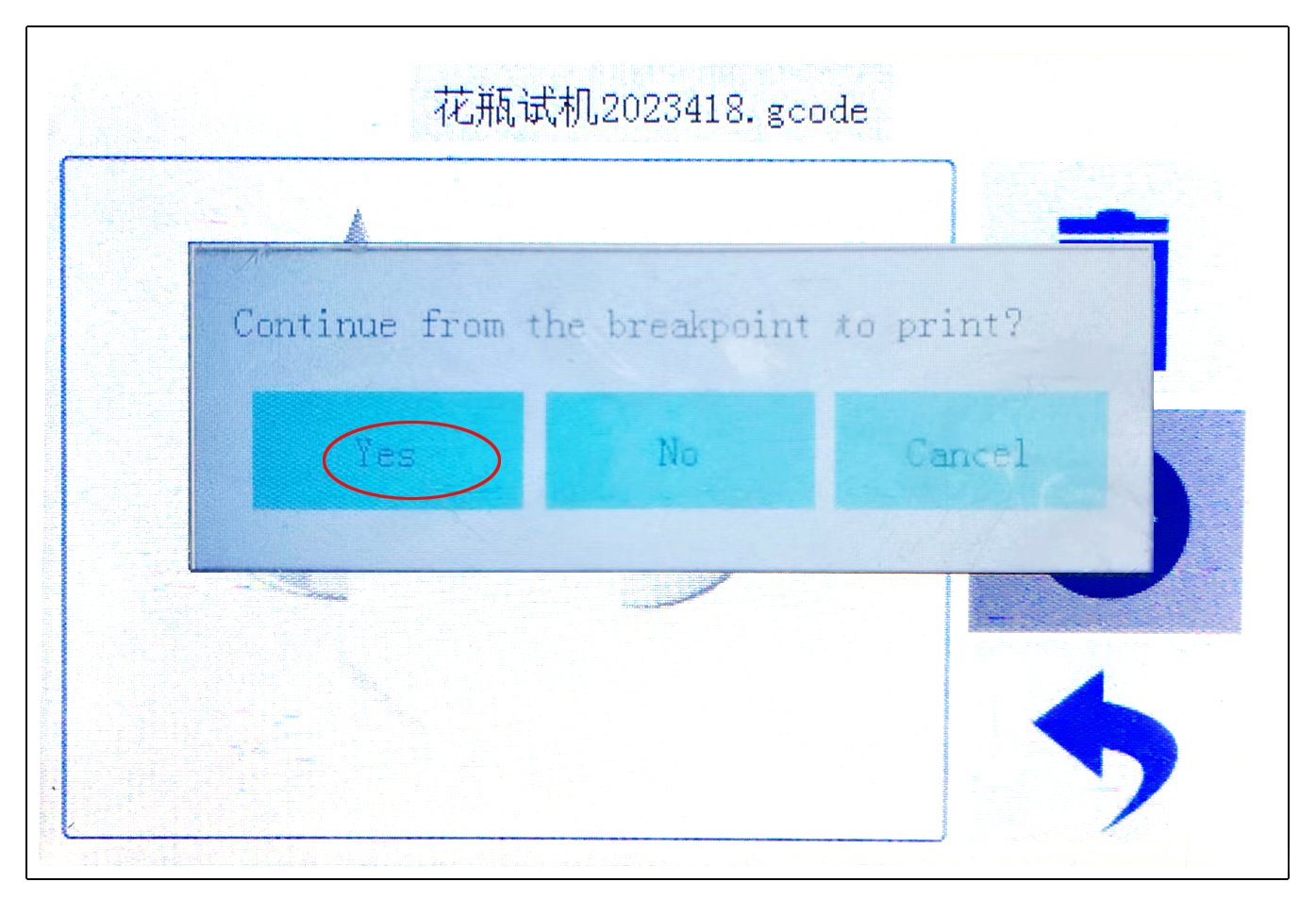
- Select [Yes]in the new pop-up window to continue printing from the point of power outage interruption.(Fig. P-55)
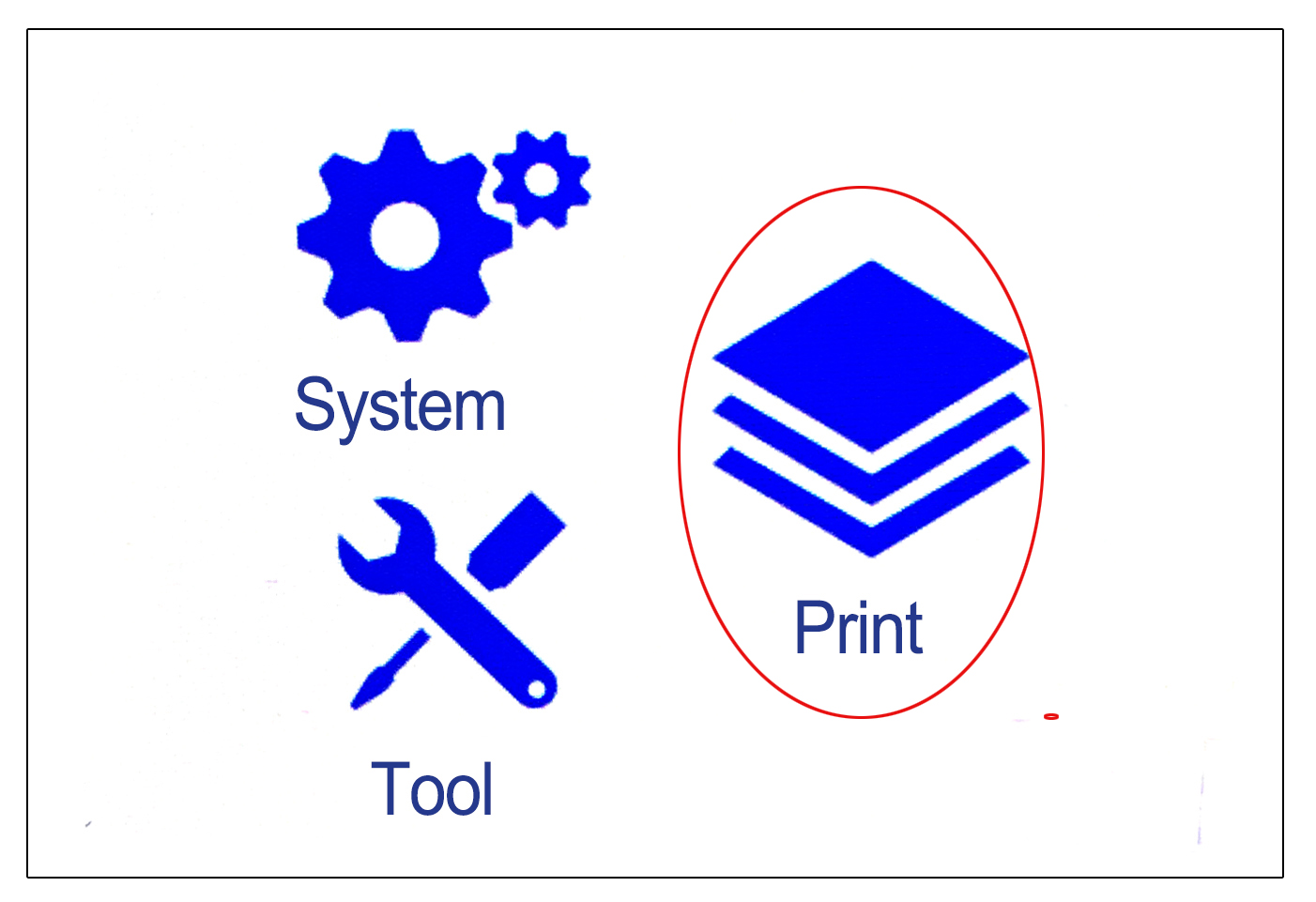
P-53
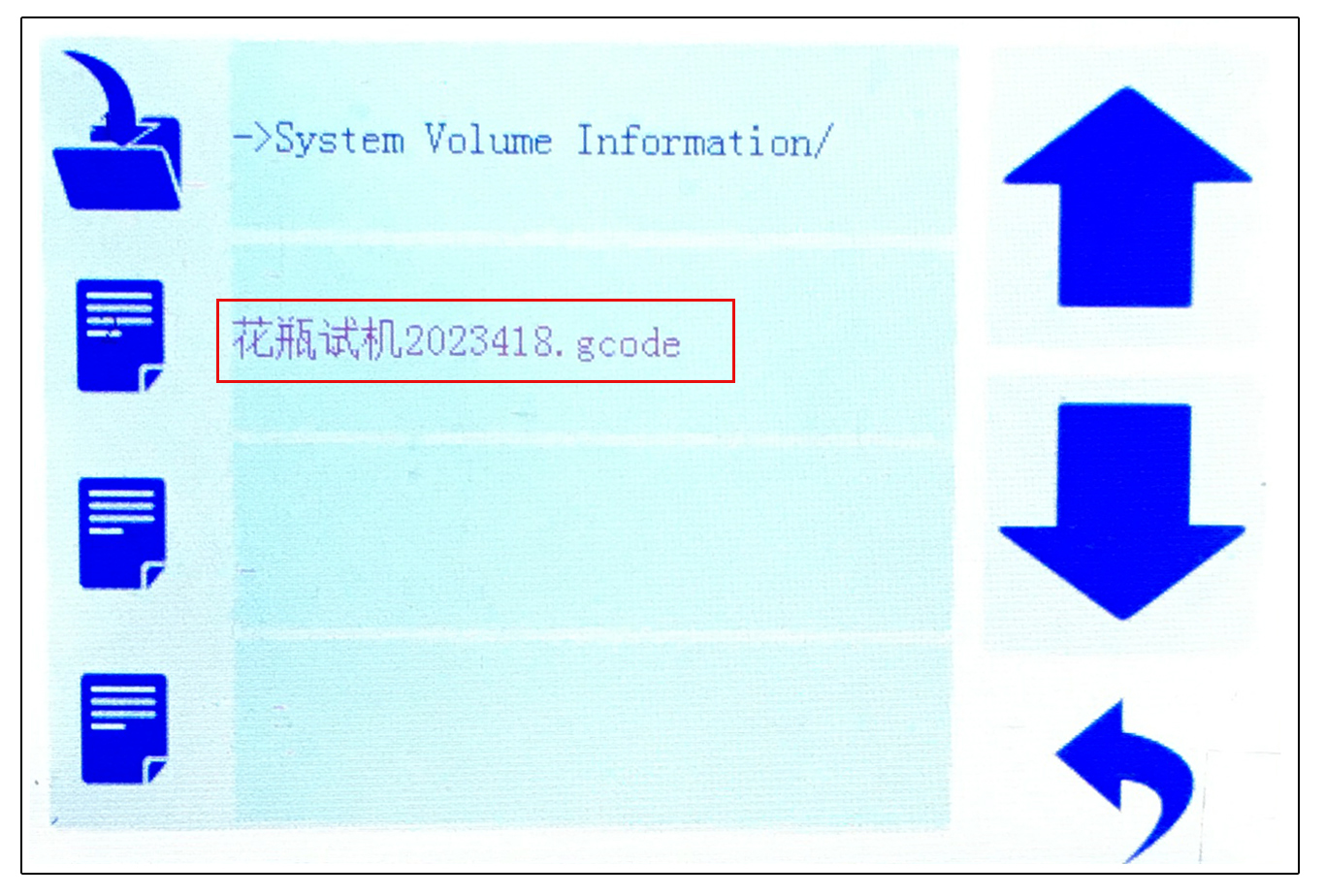
P-54