ZCC2000 3D Printer Installation
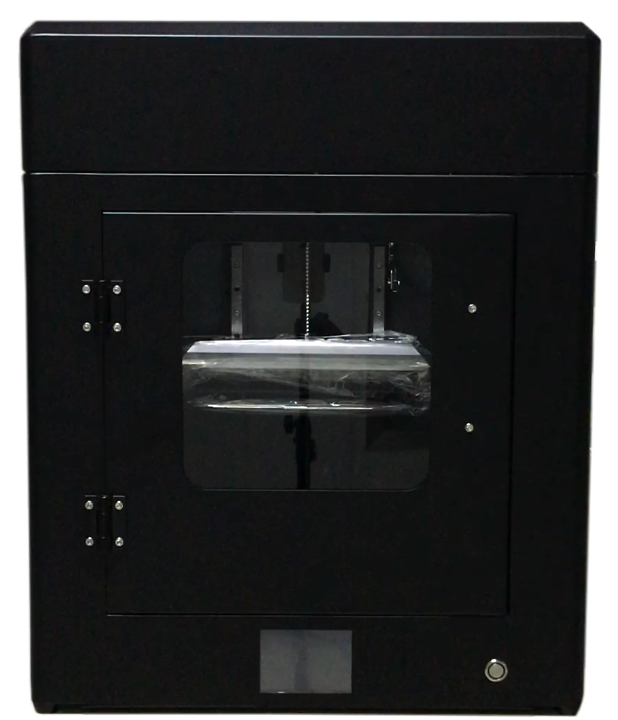
- 1. Check the appearance of the equipment for any damage. (Fig. P-1)
P-1
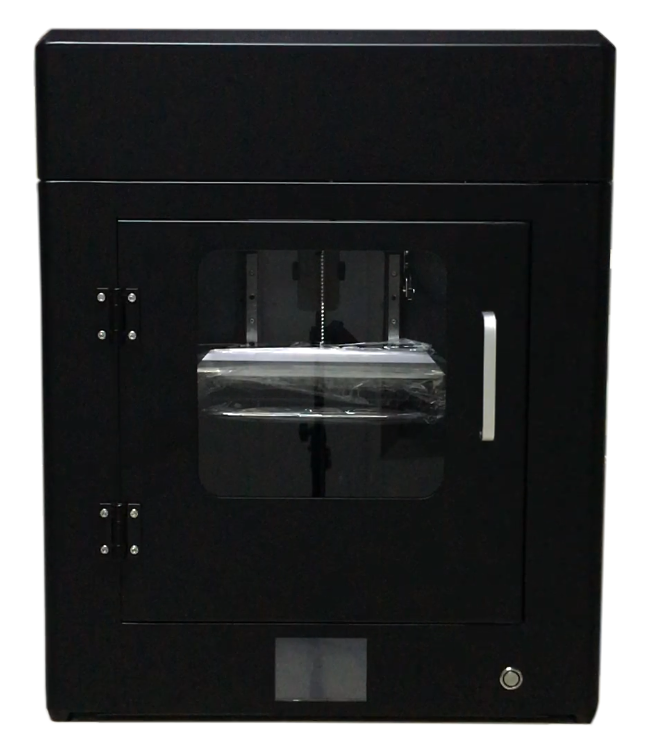
- 2. Please use a 3mm hex wrench to remove the built-in handle and reinstall it on the outside. (Fig. P-2)
P-2
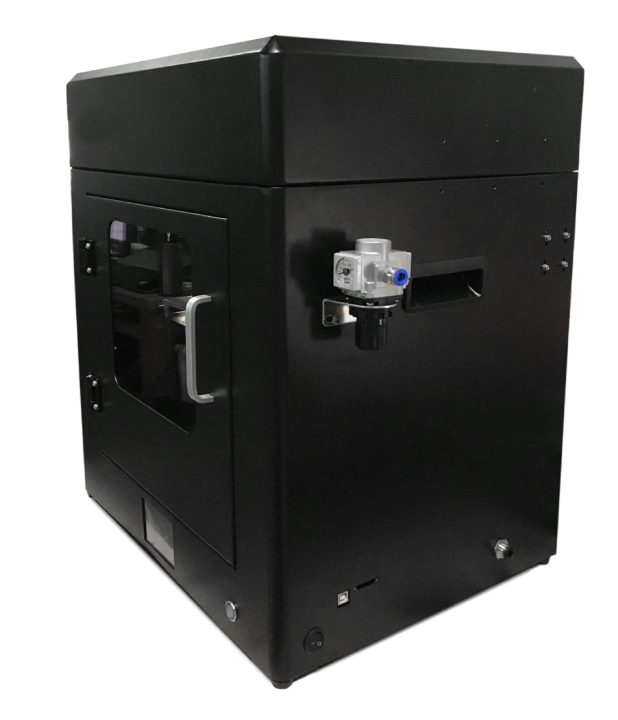
- 3. Use (Fig. P-4) parts and tools to install the extruder assembly. (Fig. P-3)
P-3
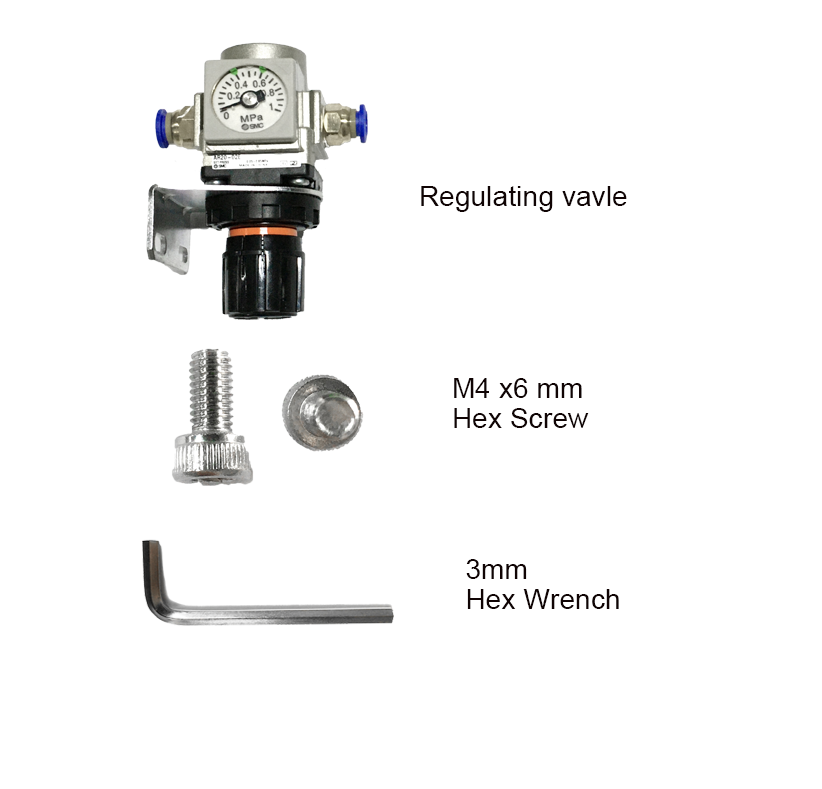
P-4
- ① Connect the air pipe inside the equipment to one end of the pressure regulating valve. (Fig. P-5)
- ② Fix the pressure regulating valve on the machine with M4x6mm screws and tighten it with a 3mm
hex wrench. (Fig. P-6)
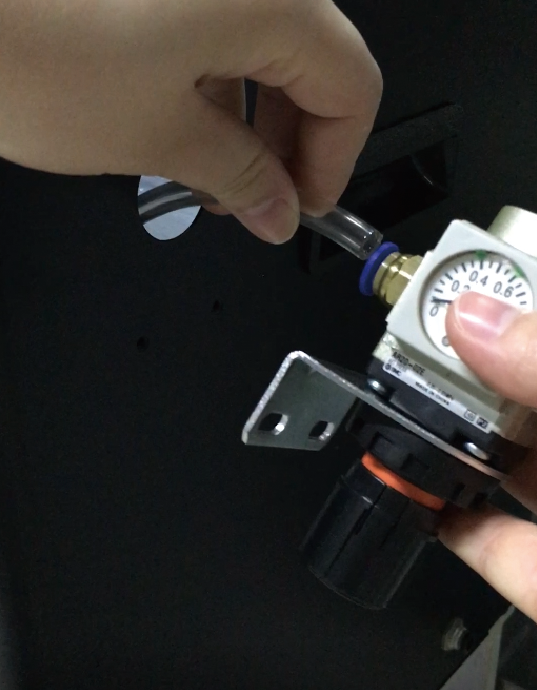
P-5
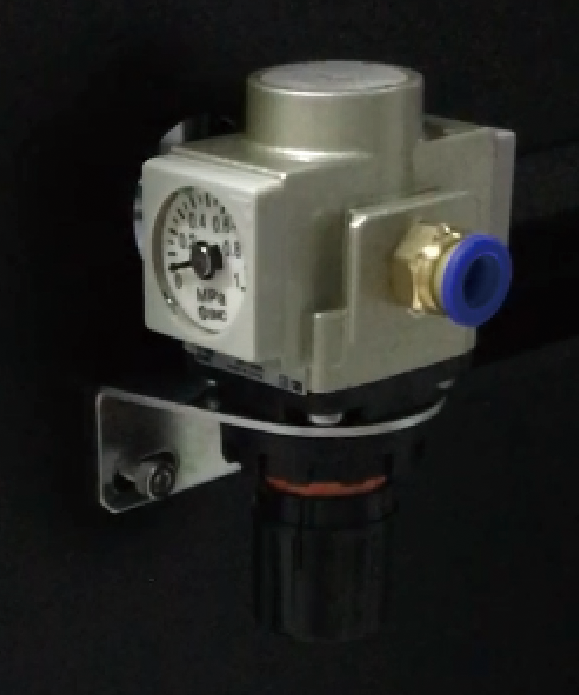
P-6
- 4. Use (Figure P-7) parts and tools to install the extruder assembly.
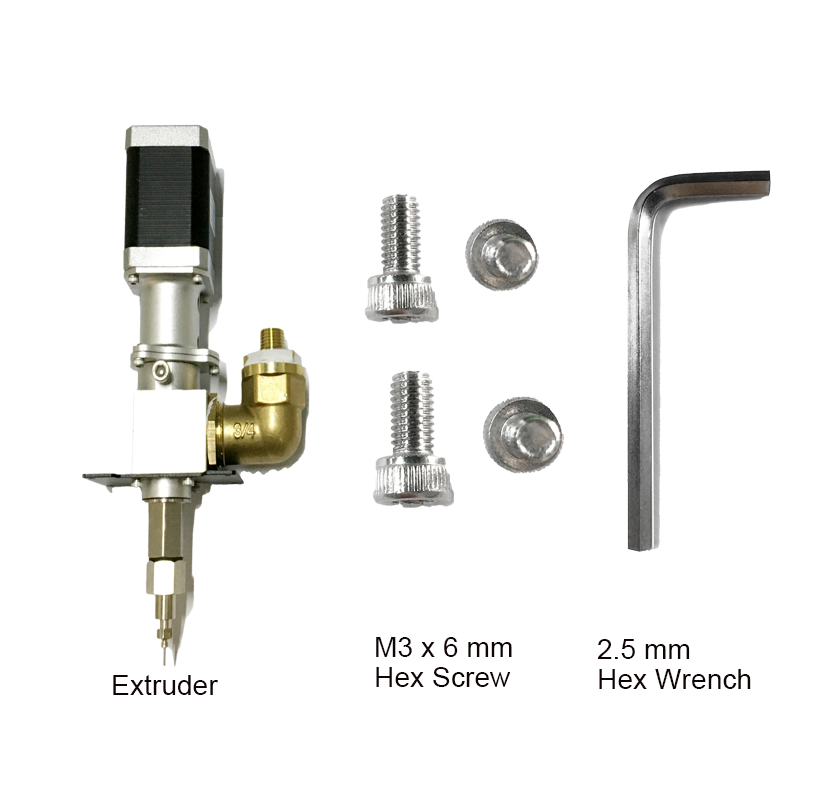
P-7
- ① Place the extruder into the fixed plate on the equipment slide. (Fig. P-8)
- ② Tighten and secure with screws, and insert the wires. (Fig. P-9)
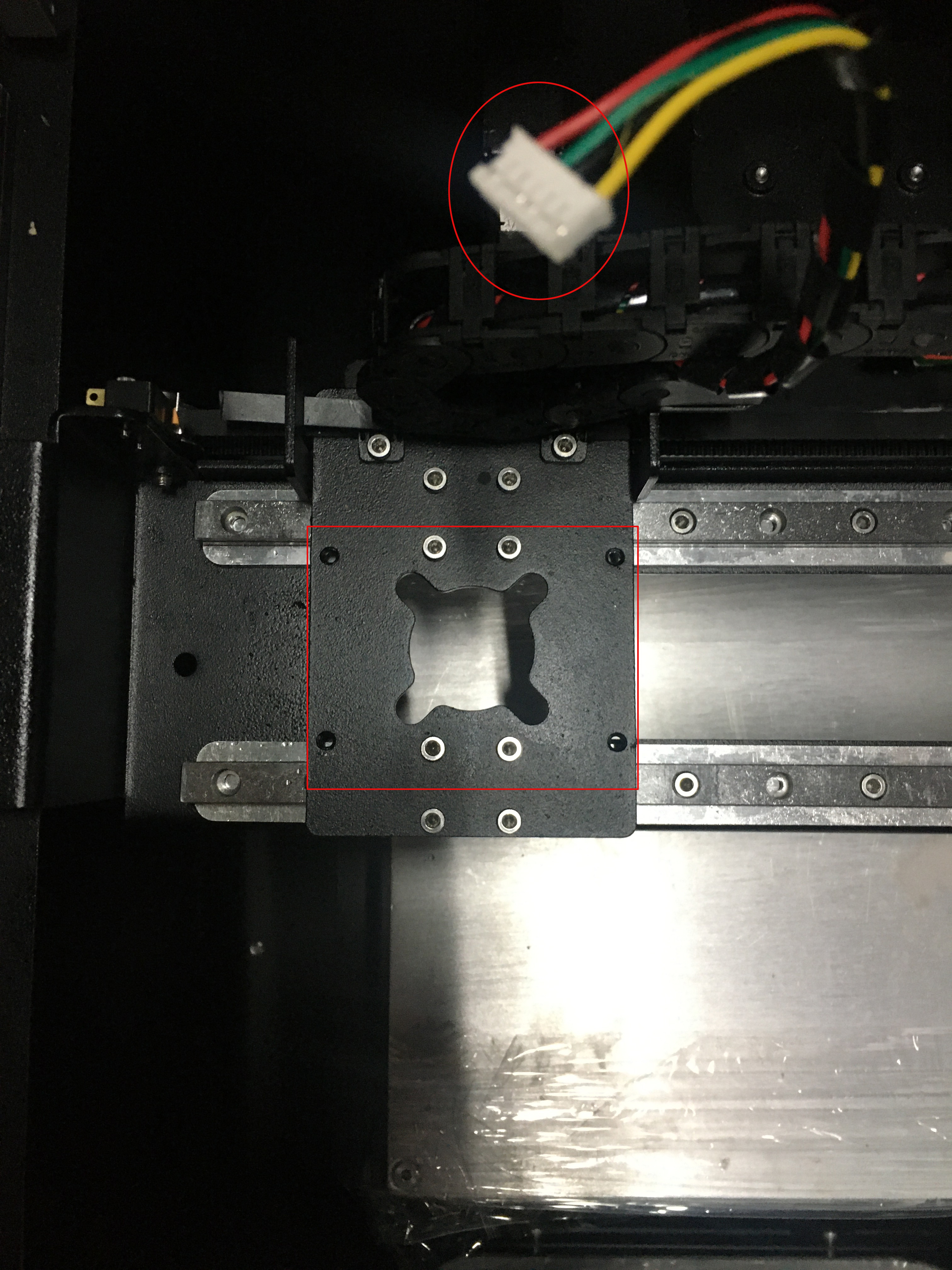
P-8
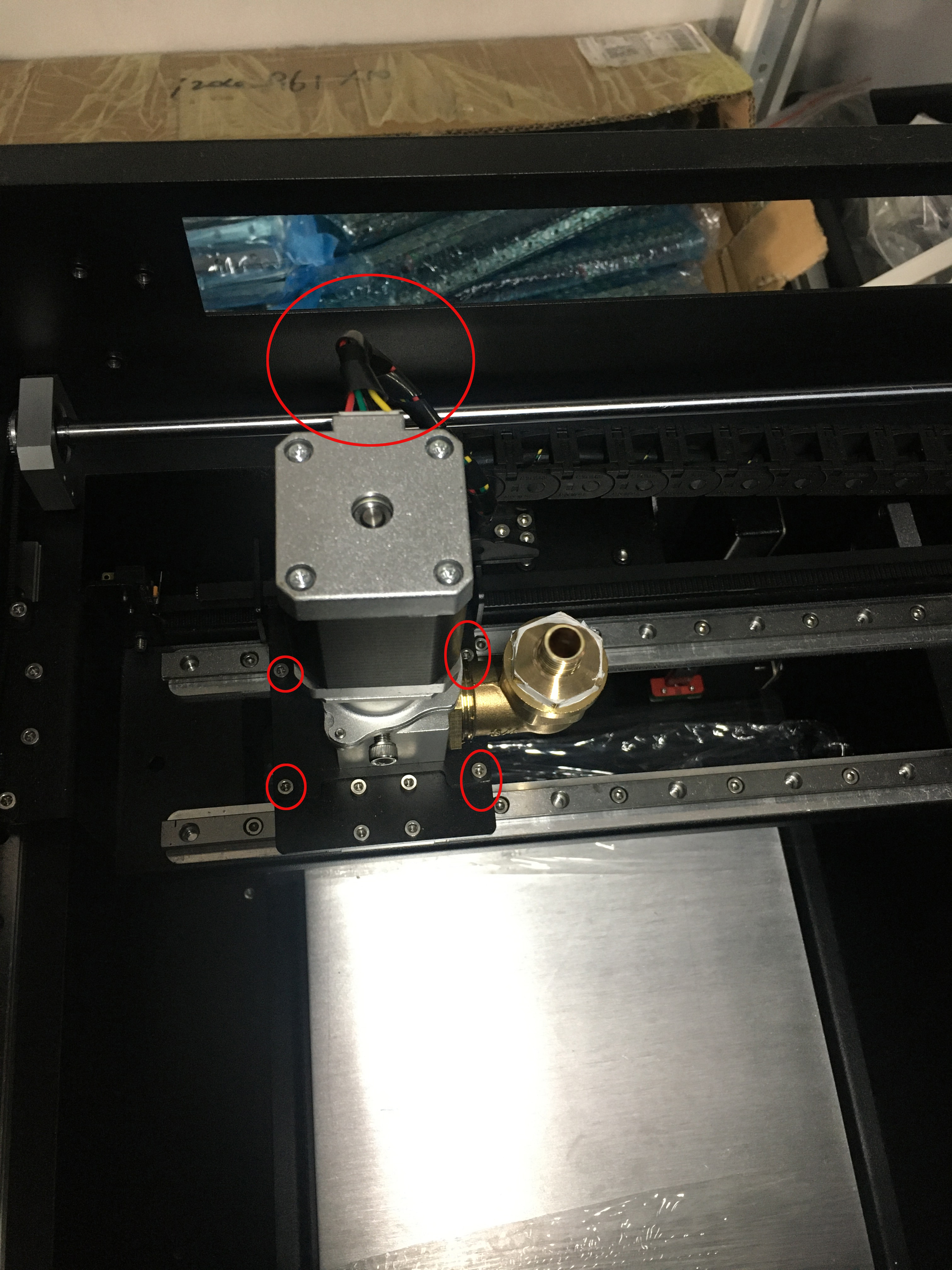
P-9
- 5. Install the material Barrel. (Fig. P-10)
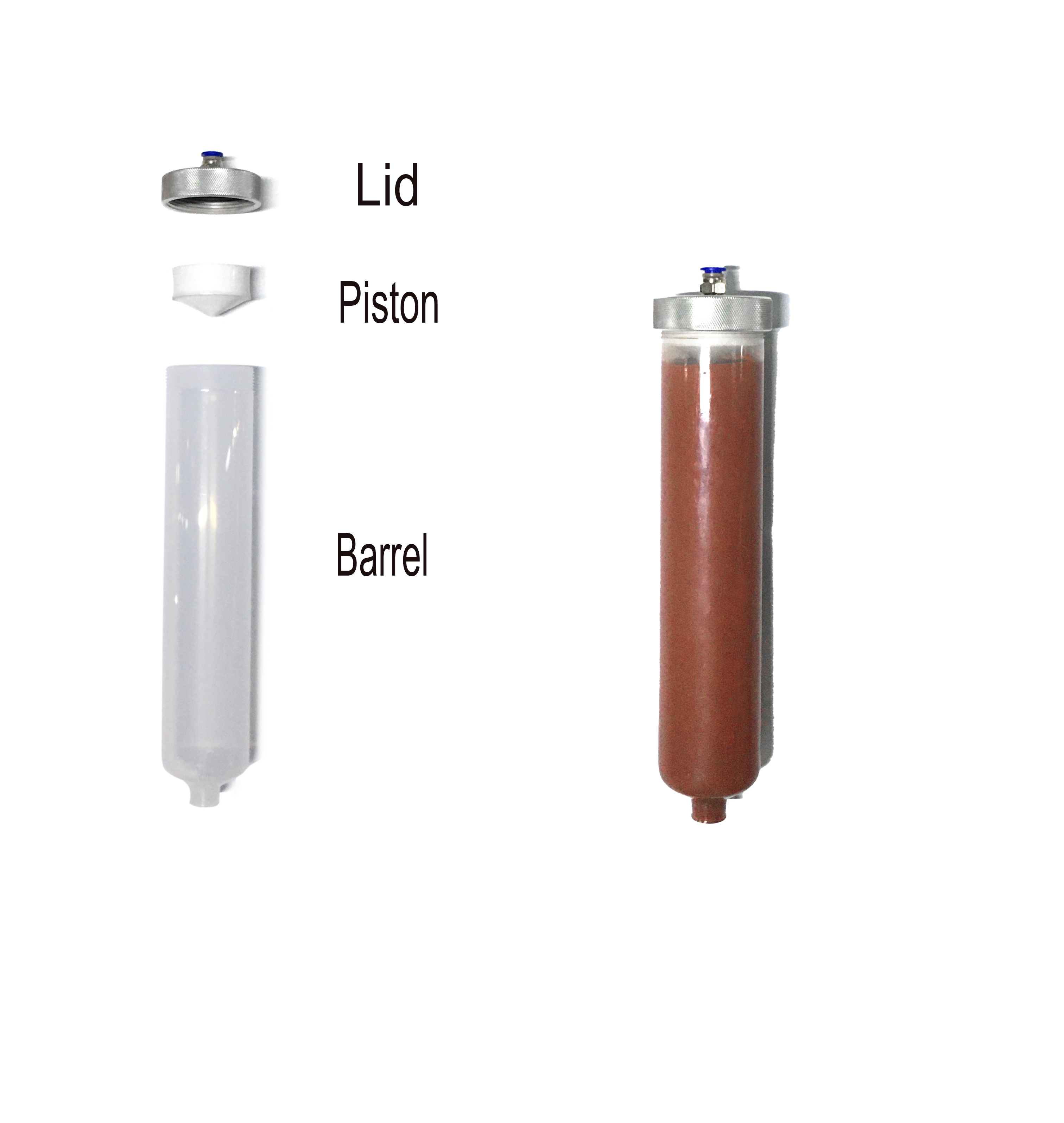
P-10
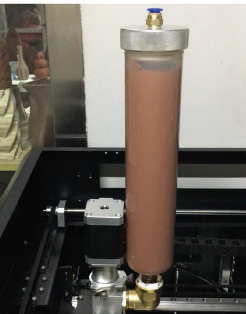
P-11
- ① Rotate the mud fled material barrel into the feed port on the right side of the extruder. (Fig. P-12)
- ② Tighten the material barrel to prevent external air from entering and affecting the
printing effect. (Fig. P-13)
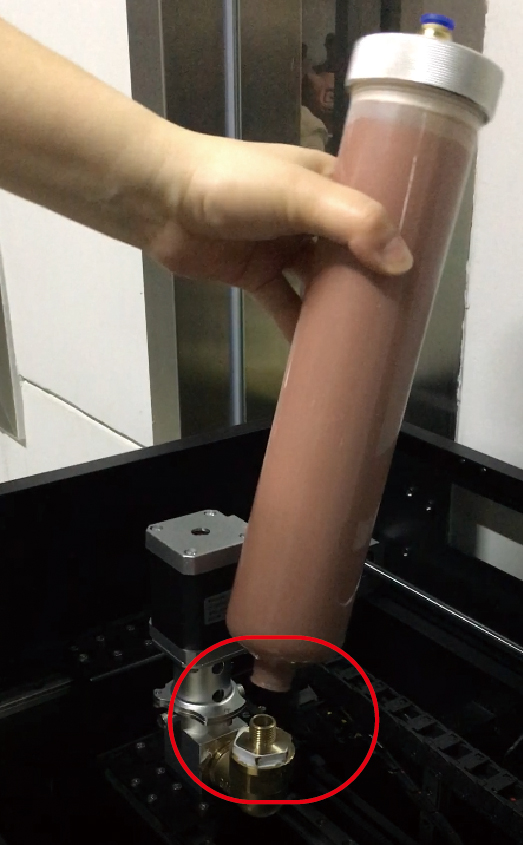
P-12
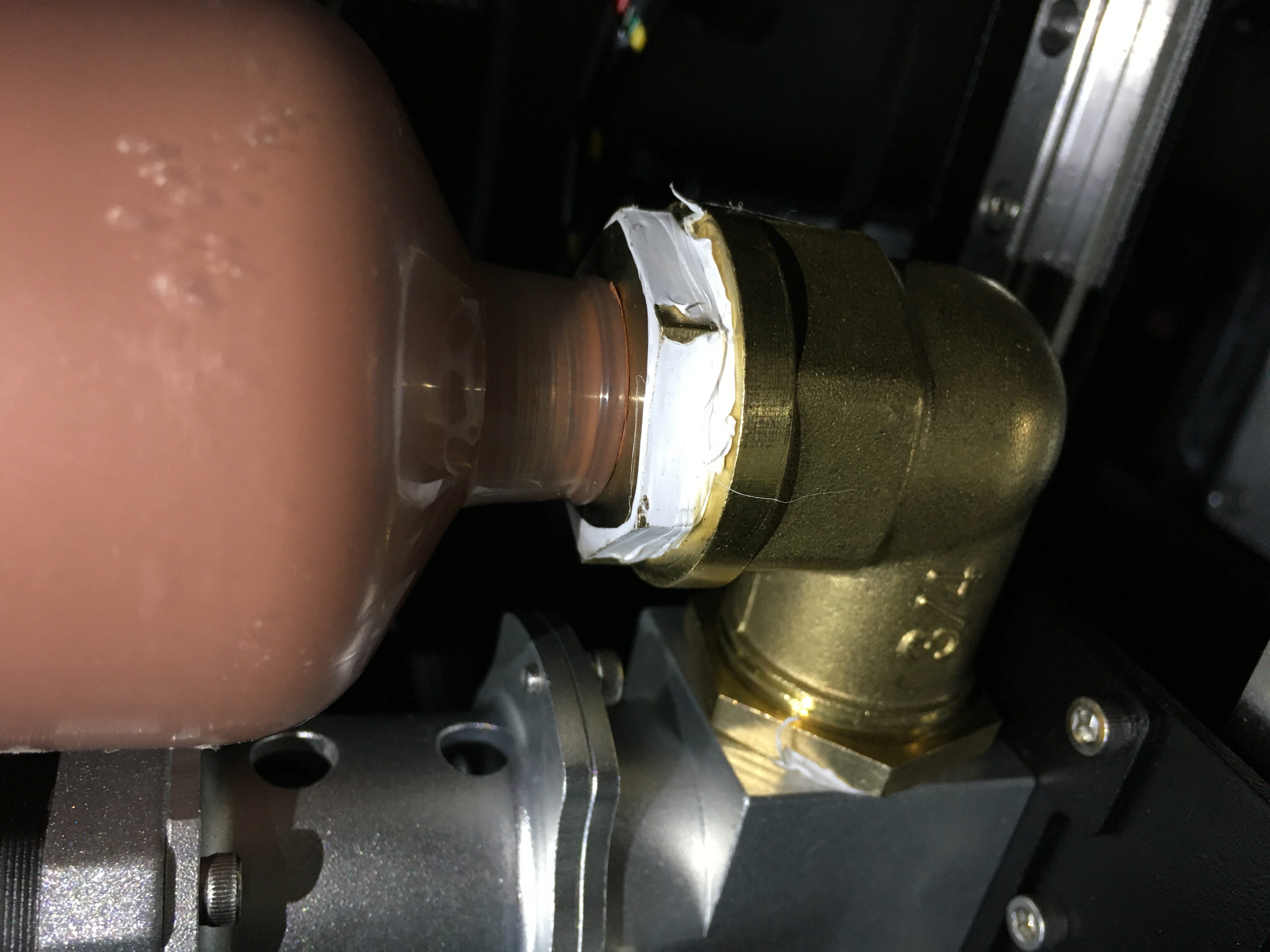
P-13
- 6. Connect the air pressure. (Fig. P-15) Operate while the air compressor is not running.
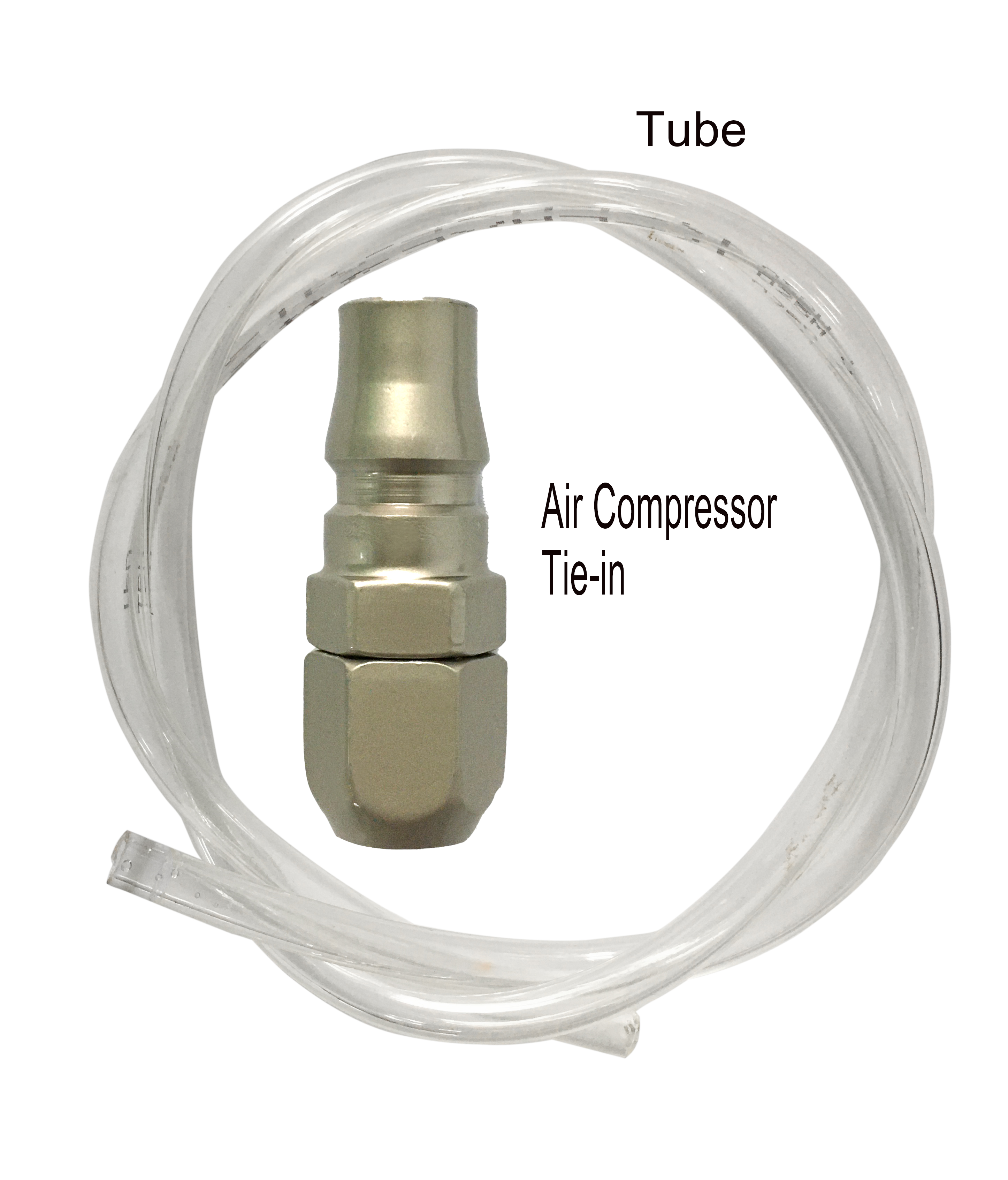
P-14
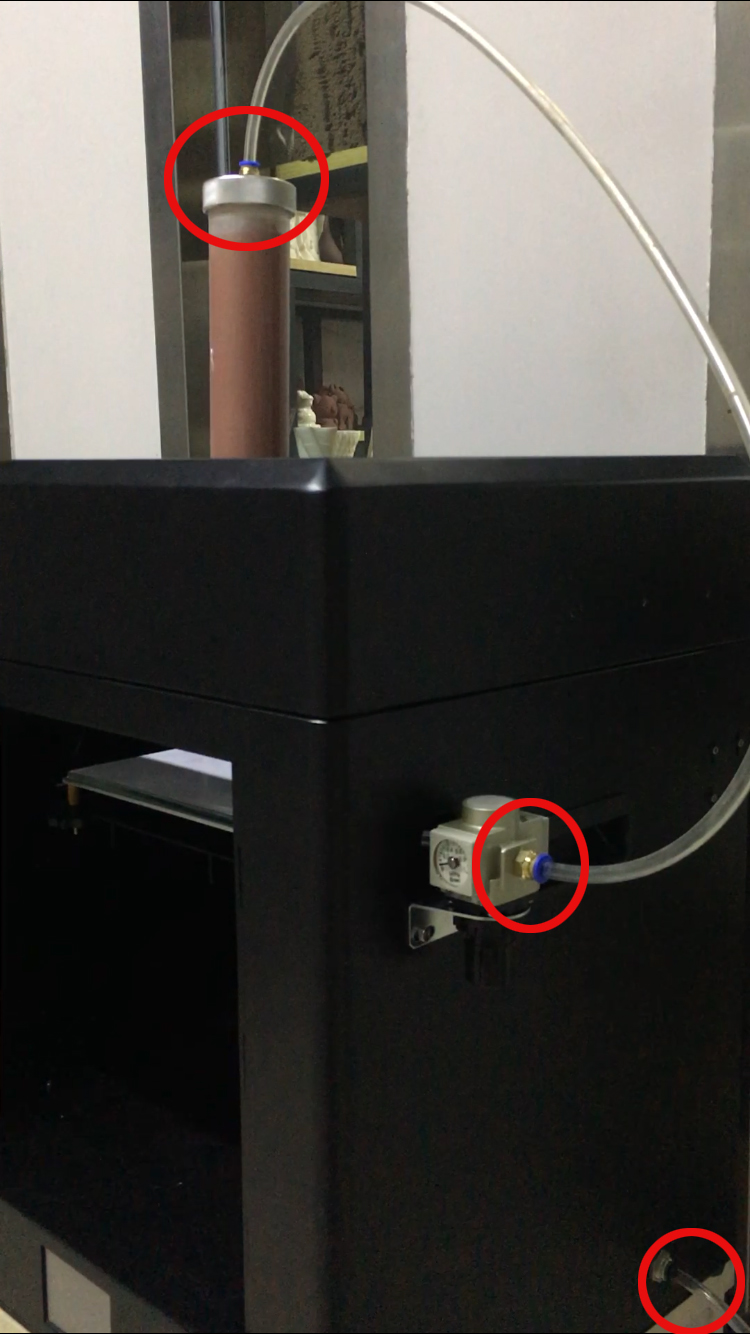
P-15
- ① Insert one end of the air hose connector into the air compressor and the other end into the right
air inlet of the equipment. (Fig. P-16) - ② Connect the pressure regulating valve and the material cylinder with another air pipe. (Fig. P-17)
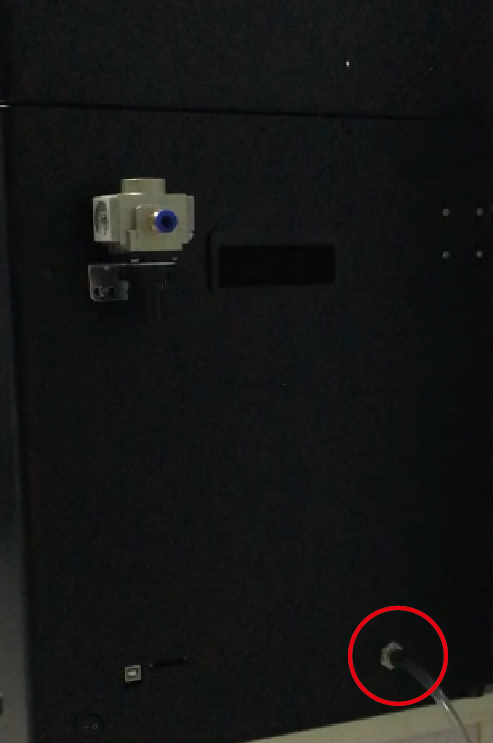
P-16
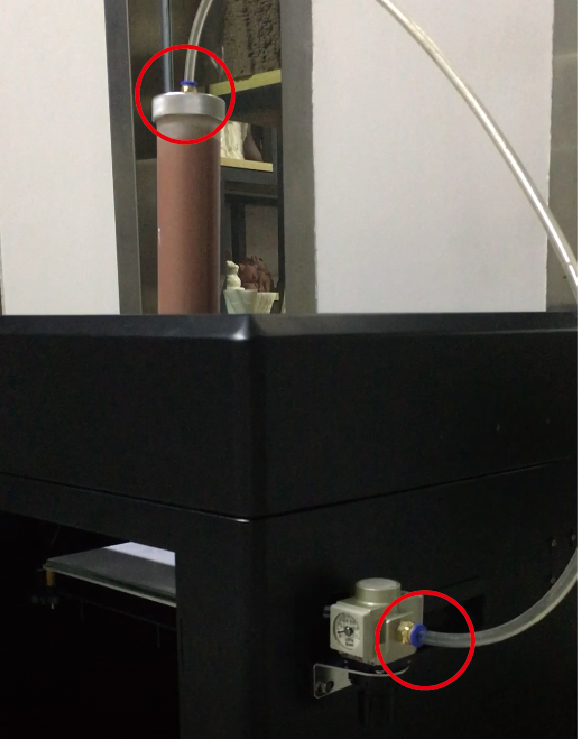
P-17
- 7. Connect to the power supply. (Fig. P-19)

P-18
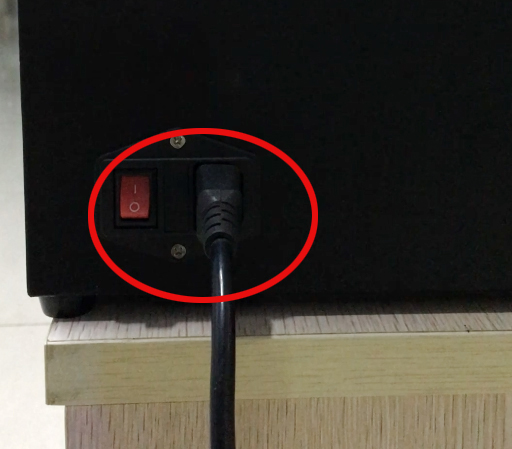
P-19
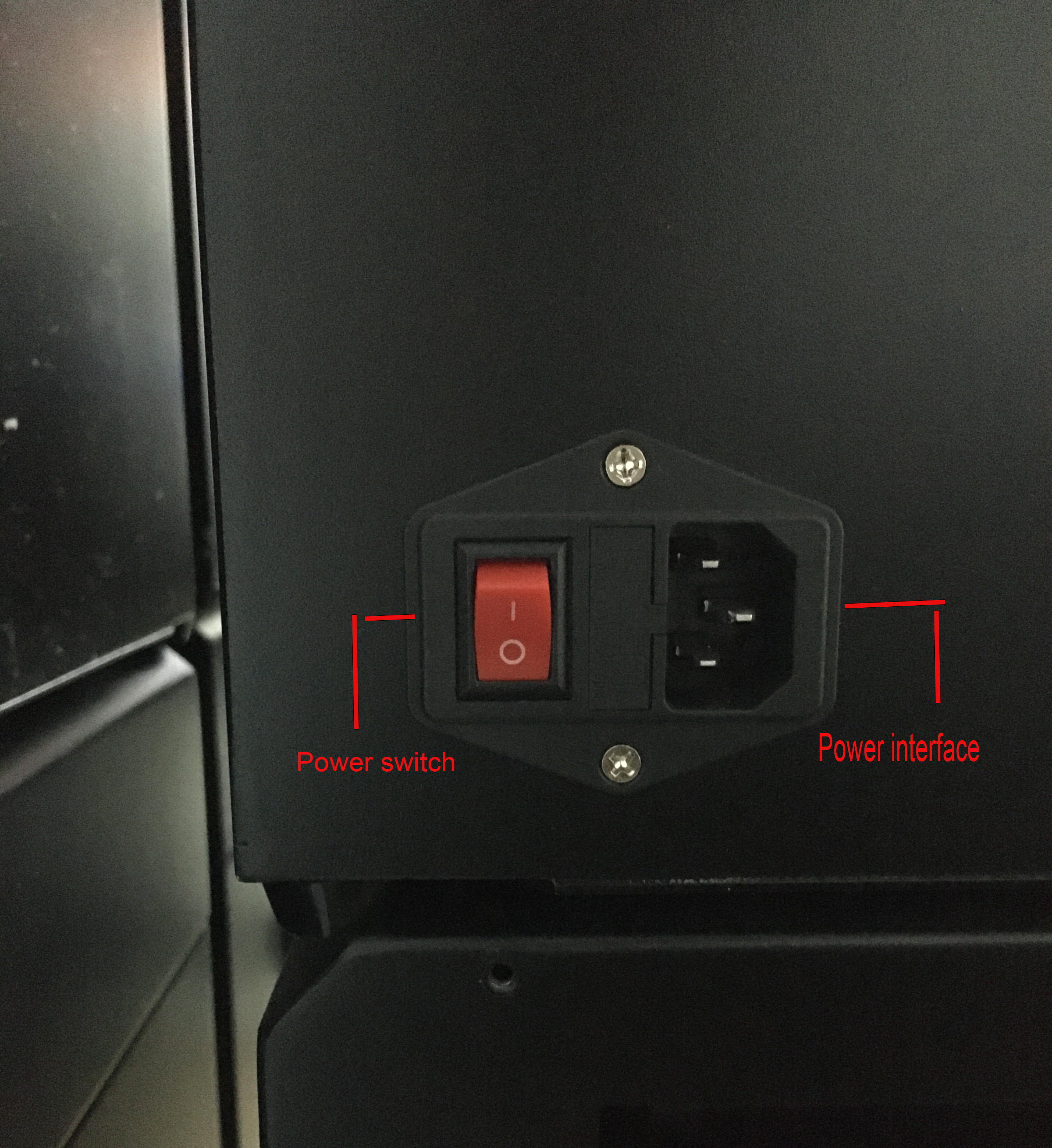
- ① Insert the power cord into the power interface at the back of the device. (Fig. P-20)
- ② Turn on the power switch after inserting the wire. (Fig. P-20)
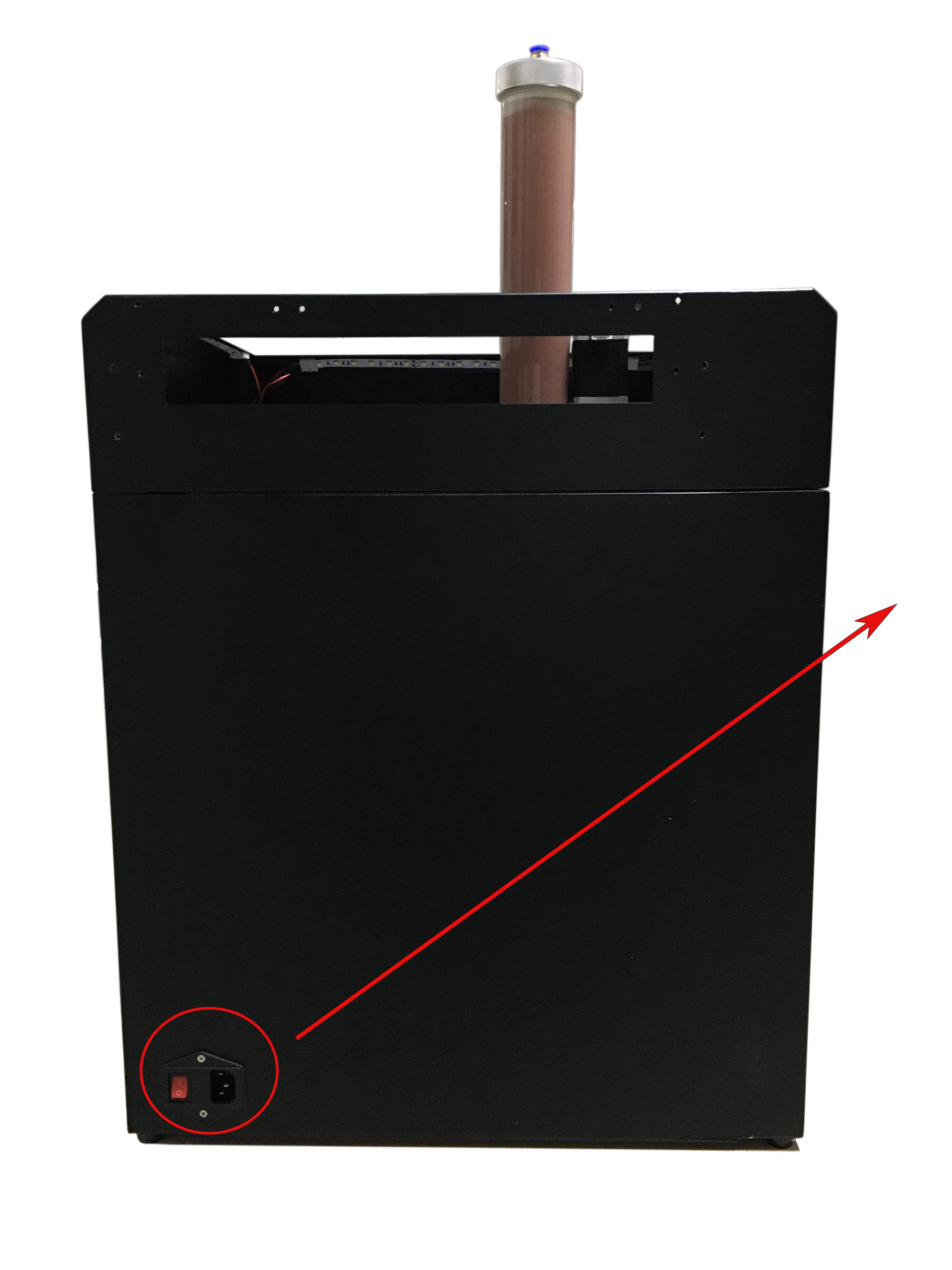
P-20
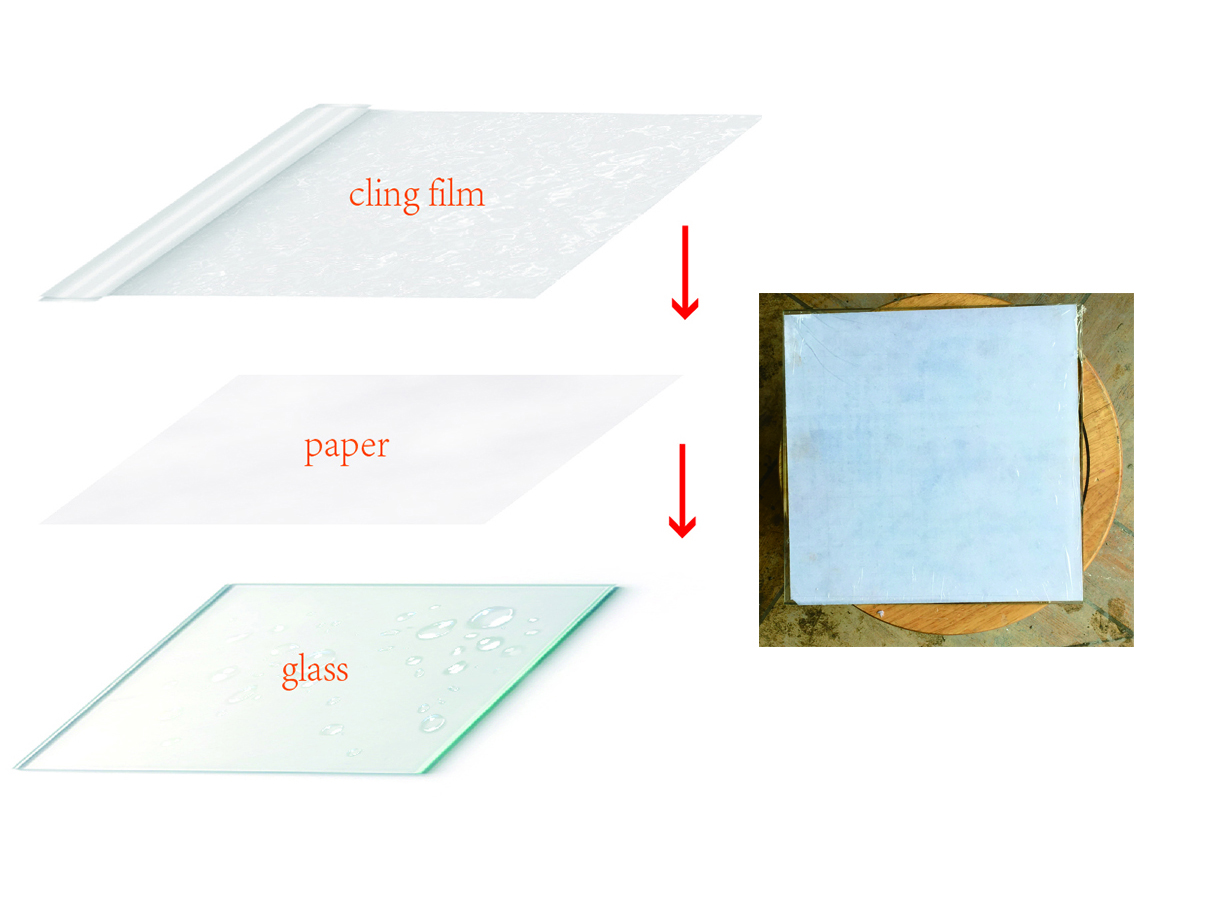
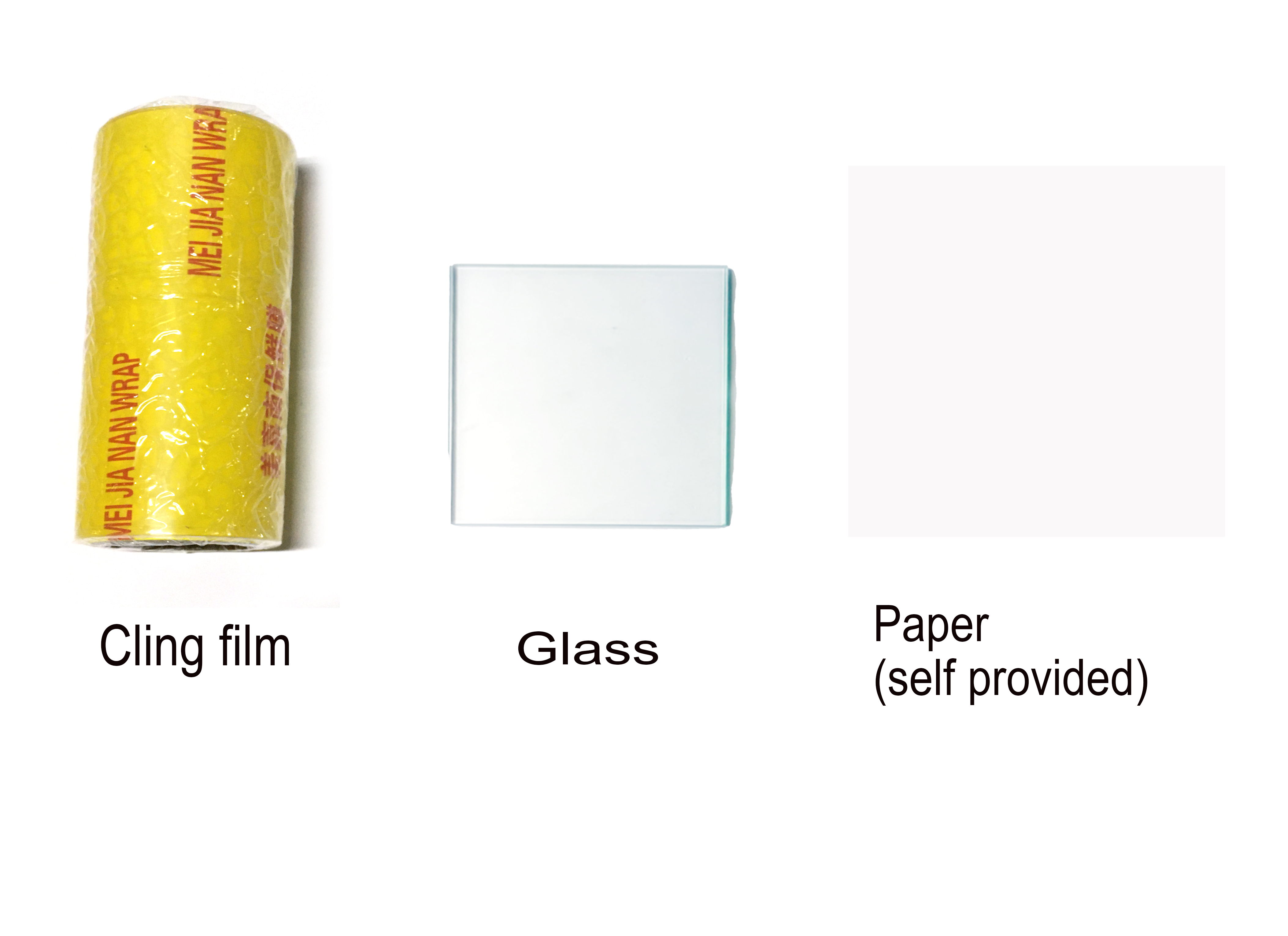
- 8. Print glass processing. (Fig. P-22)
- ① First, lay the glass flat on the table and sprinkle a small amount of water;
- ② Lay the paper flat on the glass;
- ③ Finally, attach a layer of cling film and flatten it, making sure that the size of the
paper and cling film does not exceed that of the glass.
P-21