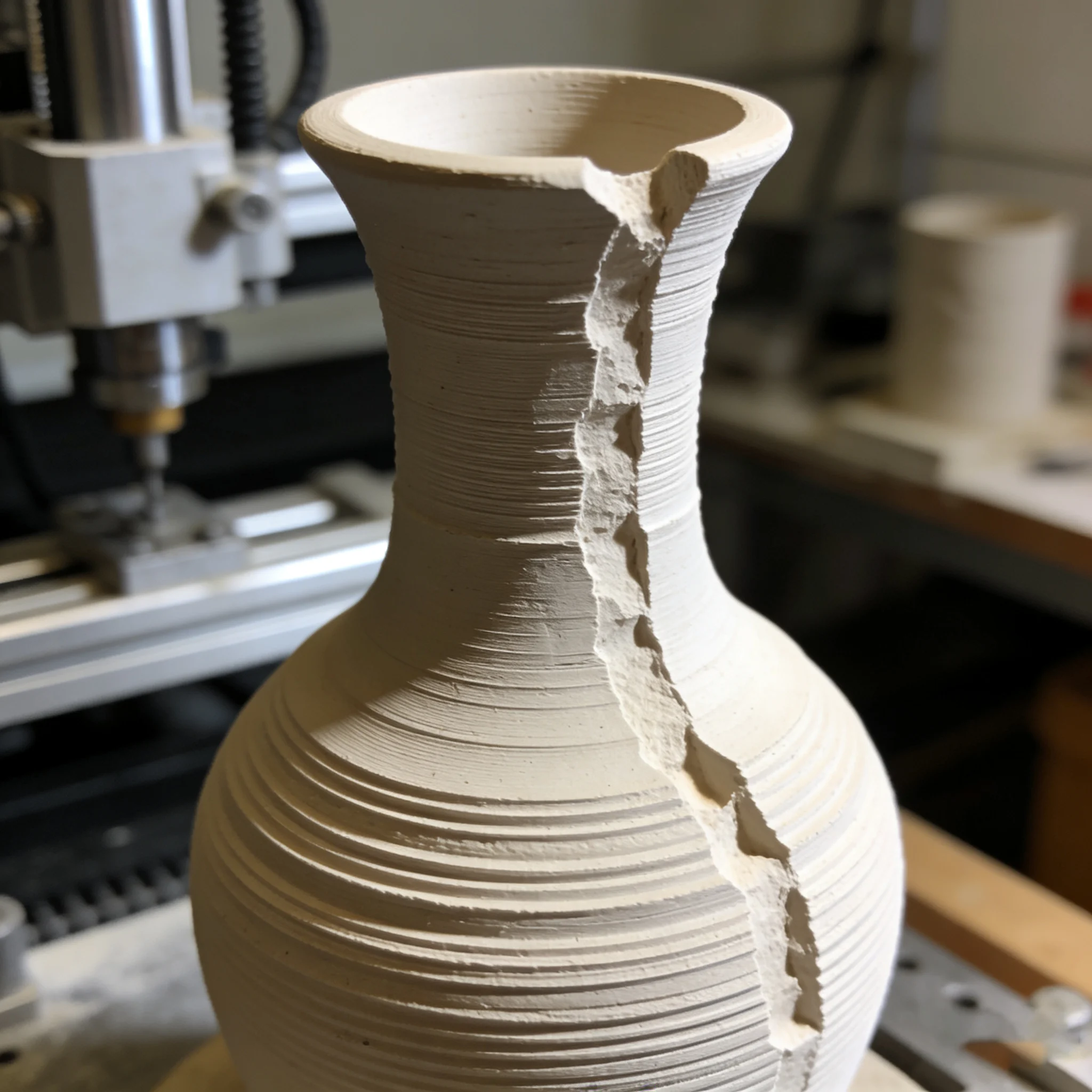
Clay Printer / Nozzle Clogged
What to do if the clay 3D printer nozzle is clogged?
Pause printing and turn off the power, then remove the nozzle. Clean clay residues with a stiff brush and warm water (avoid sharp tools to scratch the nozzle). For hard residues, soak the nozzle in 30-40℃ warm water for 10 minutes before cleaning. After reinstallation, calibrate the nozzle-platform gap and extrude a small amount of clay idly before printing to prevent re-clogging
P-1
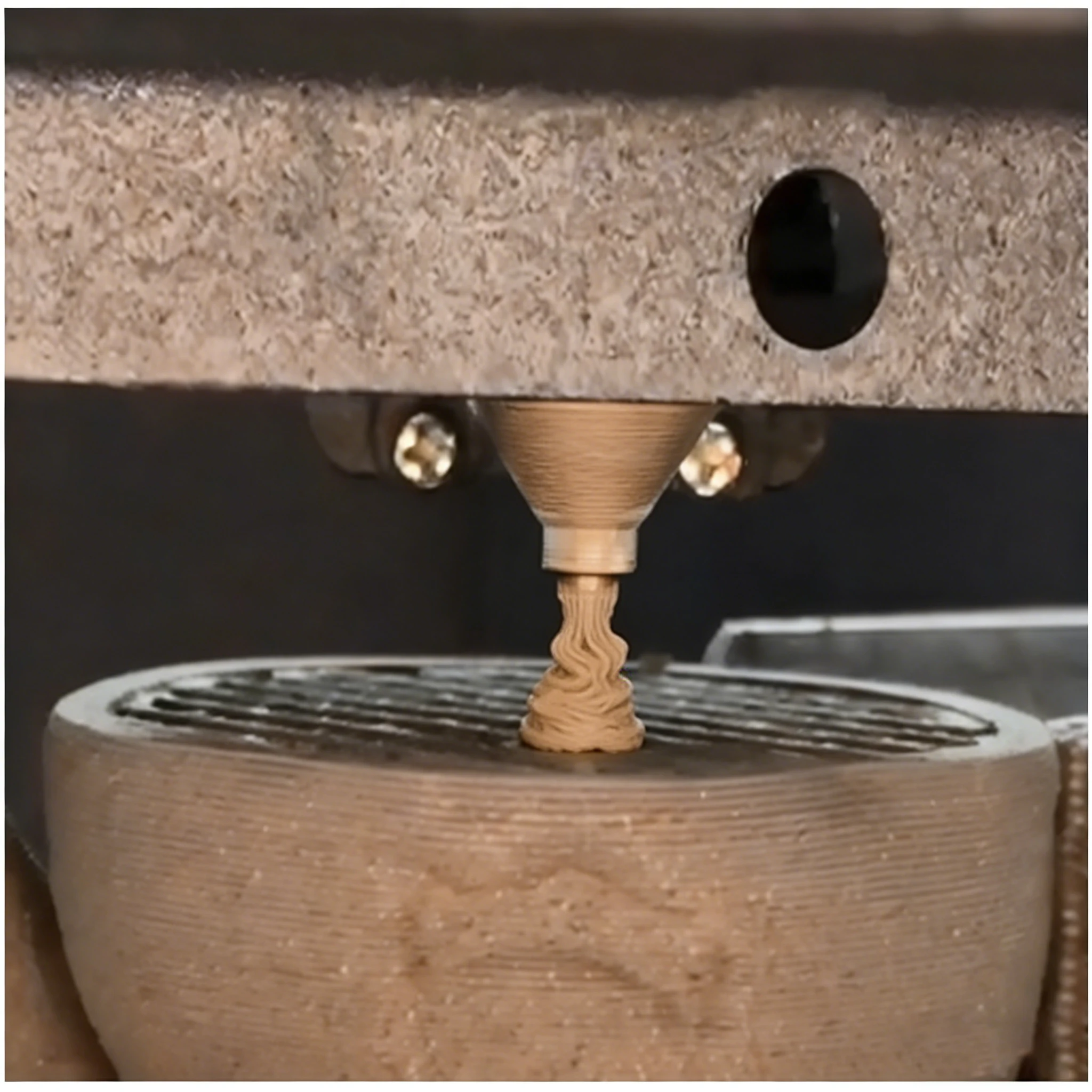
Clay Printer / Layer Separation & Non-Adhesion
How to solve layer separation and non-adhesion with clay 3D printers?
Focus on clay moisture content (18%-22% recommended) and extrusion volume: add water if too dry, mix with dry clay powder if too wet. Adjust extrusion multiplier to 108%-110% and printing speed to 20-30mm/s. Compact clay in the hopper without air gaps, and slow the first layer speed by 5mm/s to enhance adhesion.