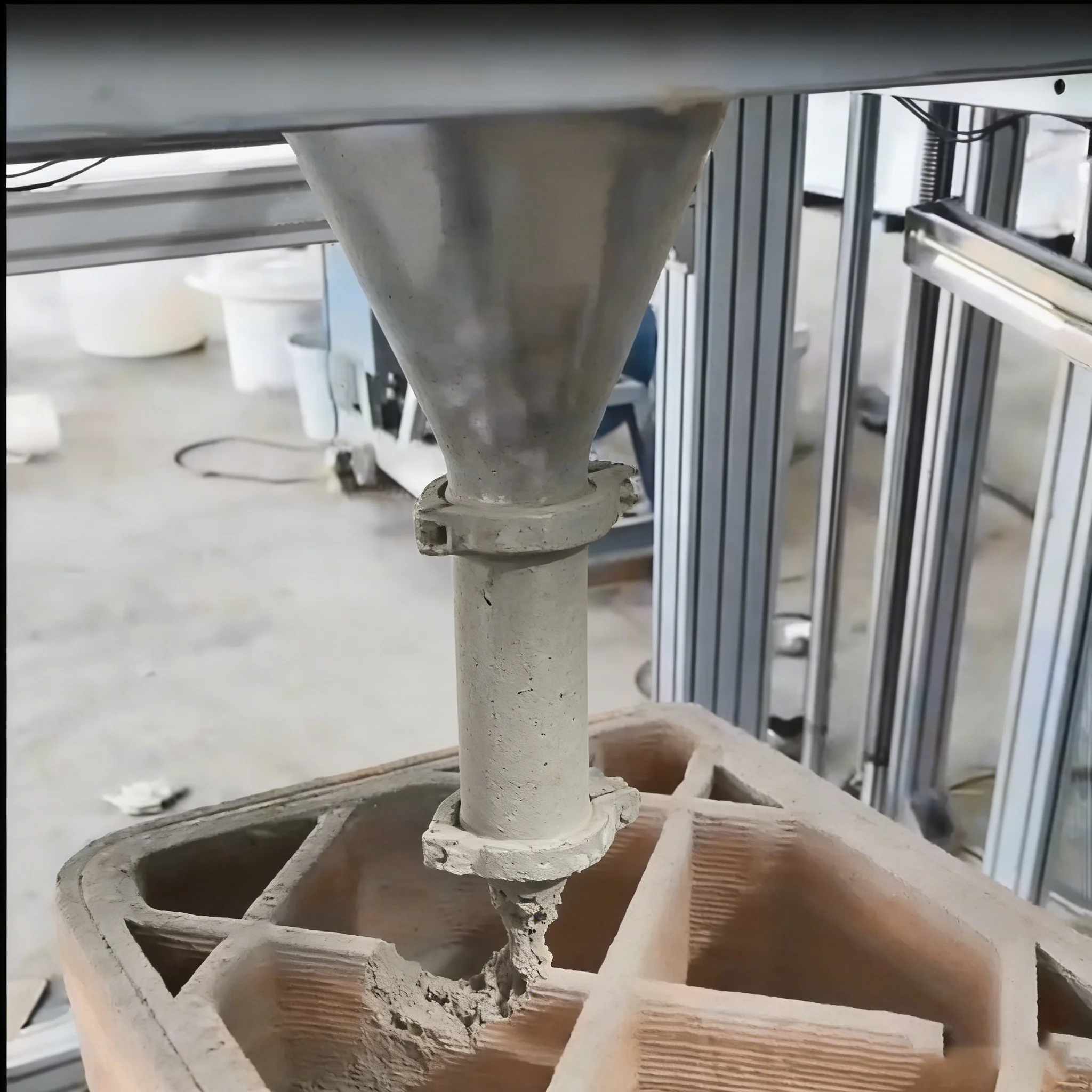
Concrete Printer / Extrusion Blocked
What to do if concrete 3D printer extrusion is blocked?
Pause printing and power off, disassemble the extrusion pipeline; rinse residual concrete with high-pressure water (prevent hardening), use a dedicated pipe tool (avoid sharp objects) to clear clumps; test idle extrusion after reassembly, and stir concrete in advance (slump 180-220mm) before printing.
Important: Concrete hardens very quickly once it stops moving. Always clean the pipeline immediately after pausing and never use sharp metal tools that can damage the inner wall of the pipe or nozzle.
P-6
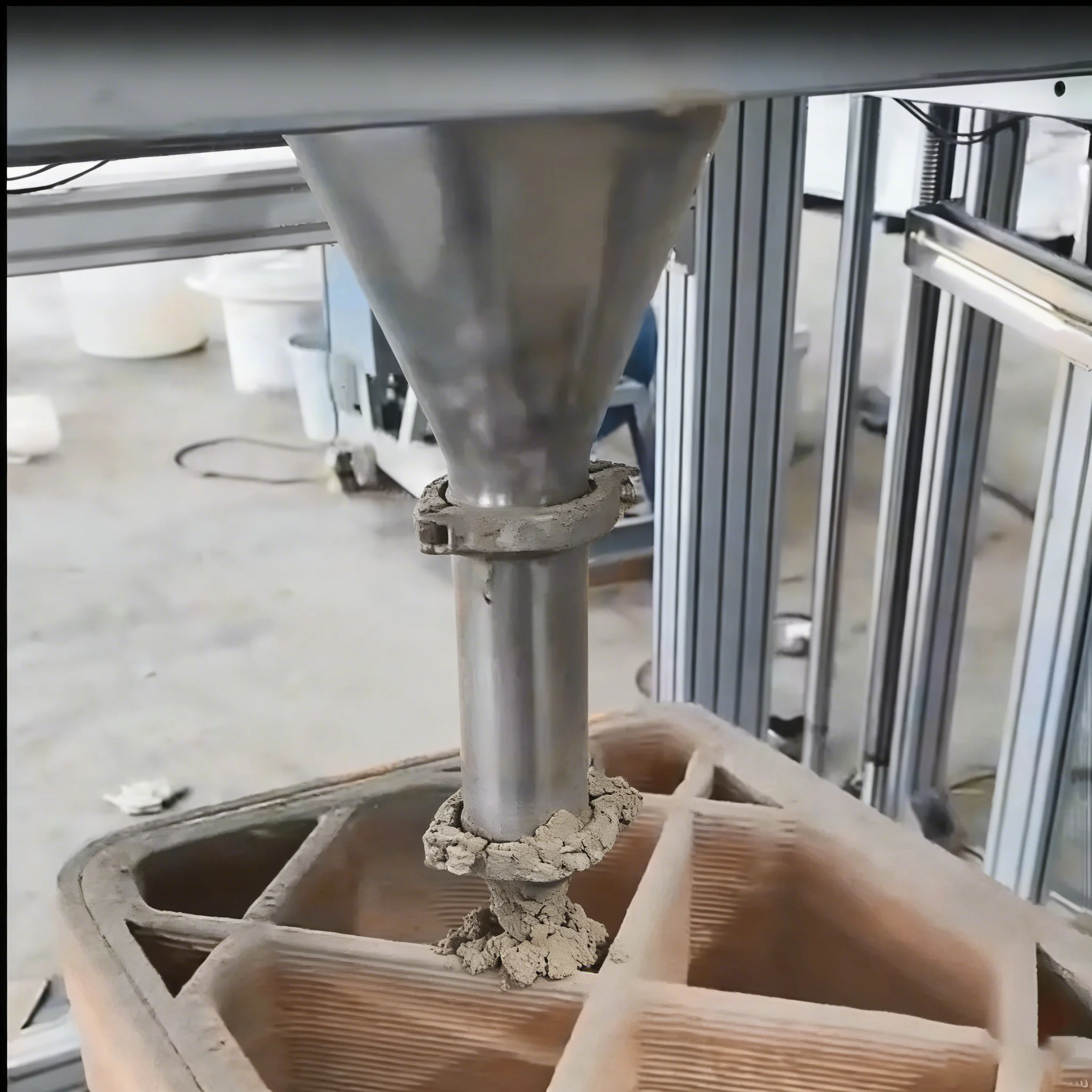
Concrete Printer / Uneven Extrusion
How to fix uneven concrete extrusion?
Check concrete slump (adjust to 180-220mm), add a little water if too dry; adjust extrusion pressure to 0.5-0.7MPa, check if the feeding screw is worn (replace if worn); reduce printing speed to 15-20mm/s to match feeding rhythm.
Important: Uneven extrusion in concrete printing is most often caused by incorrect slump value or inconsistent material feed. Always verify slump before starting and inspect the feeding screw regularly for wear.