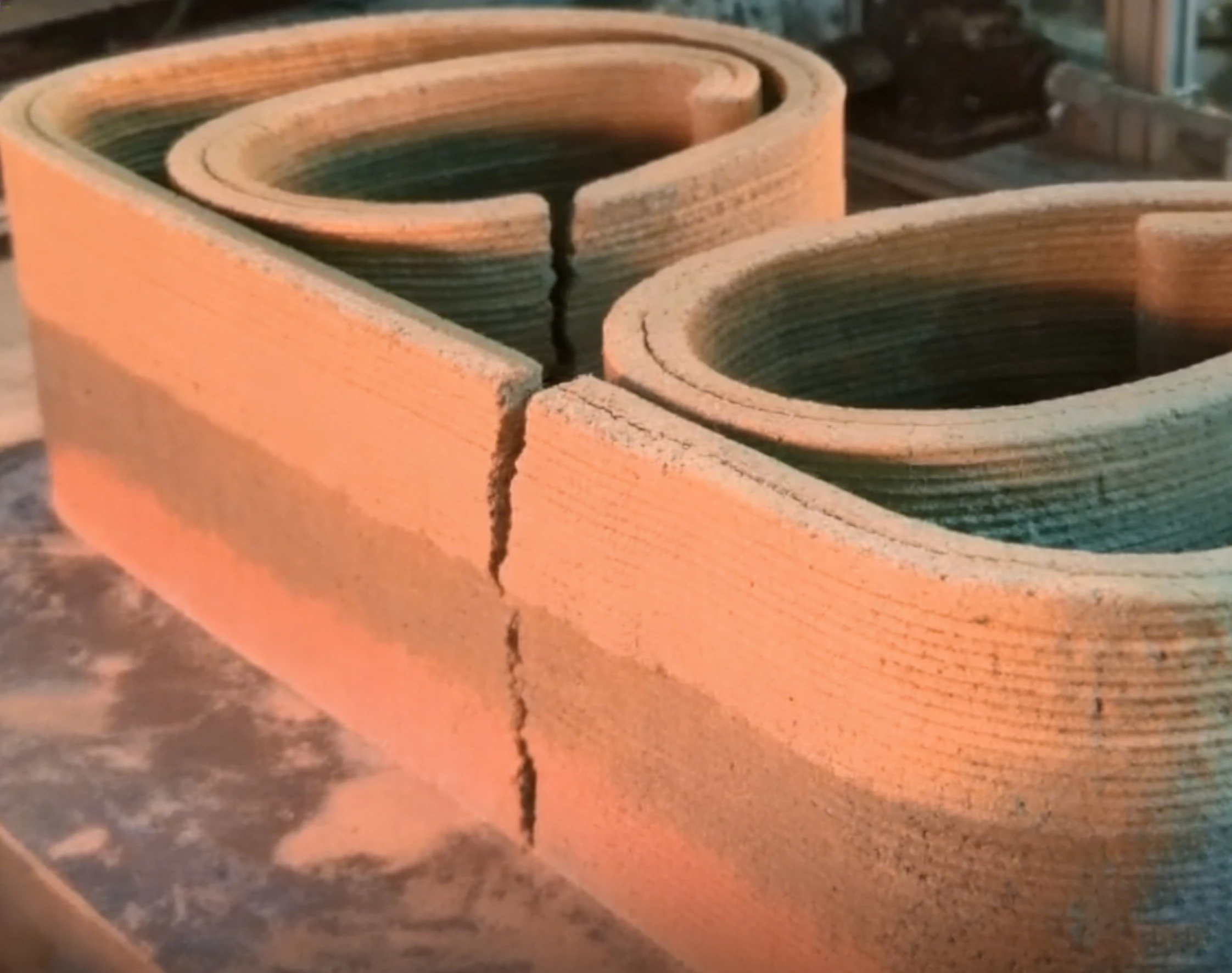
Concrete Printer / Platform Level Calibration
How to calibrate platform level for concrete printing?
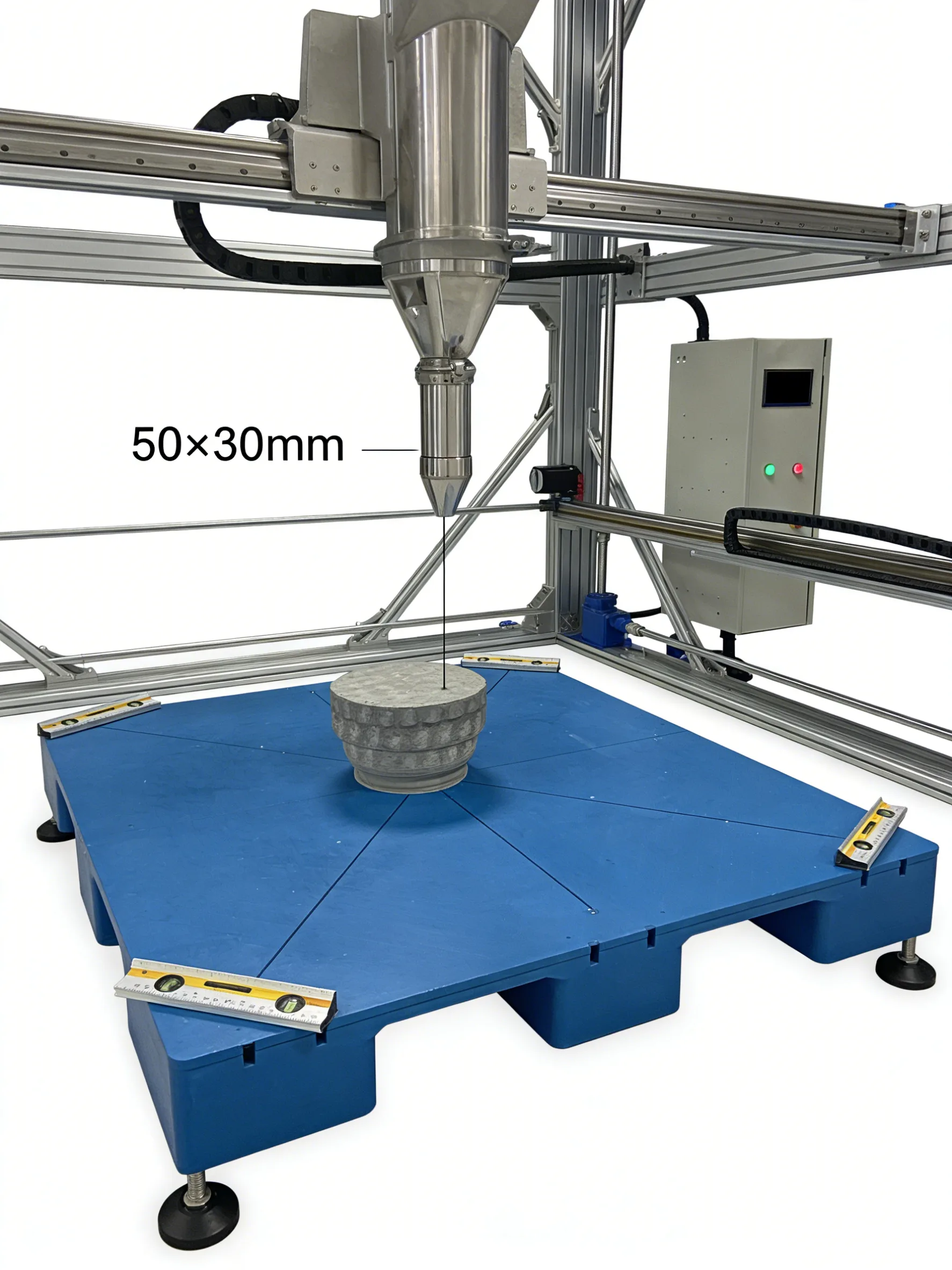
Place a level on the four corners of the platform, adjust support feet to level the platform; touch 4 diagonal points of the platform with the print head, fine-tune Z-axis height via control system (error ≤0.2mm); print a 50×50mm test block, check surface flatness, re-level if uneven.
Important: An unlevel platform is one of the most common causes of uneven layer thickness, poor adhesion, and failed prints in concrete 3D printing. Always verify level both mechanically (spirit level) and through test prints.
P-10
Concrete Printer / Print Head Inaccurate Movement
What to do if the print head moves inaccurately?
Check if the drive belt is loose (adjust tension), if the timing pulley is worn (replace if worn); calibrate motion parameters of the control system (re-enter motor step angle); print a 100mm linear test piece, check offset, re-calibrate until error ≤0.5mm.
Important: Inaccurate print head movement is most commonly caused by loose belts, worn pulleys, or incorrect steps/mm settings. Regular inspection of mechanical components and periodic calibration are essential for dimensional accuracy.