 English
English
English
 Chinese
English
English
Chinese
Chinese
English
English
Chinese
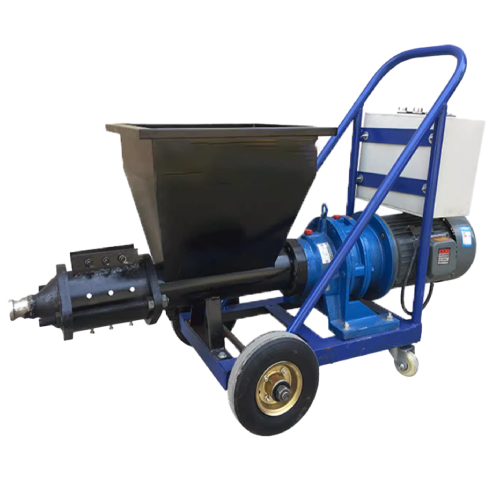
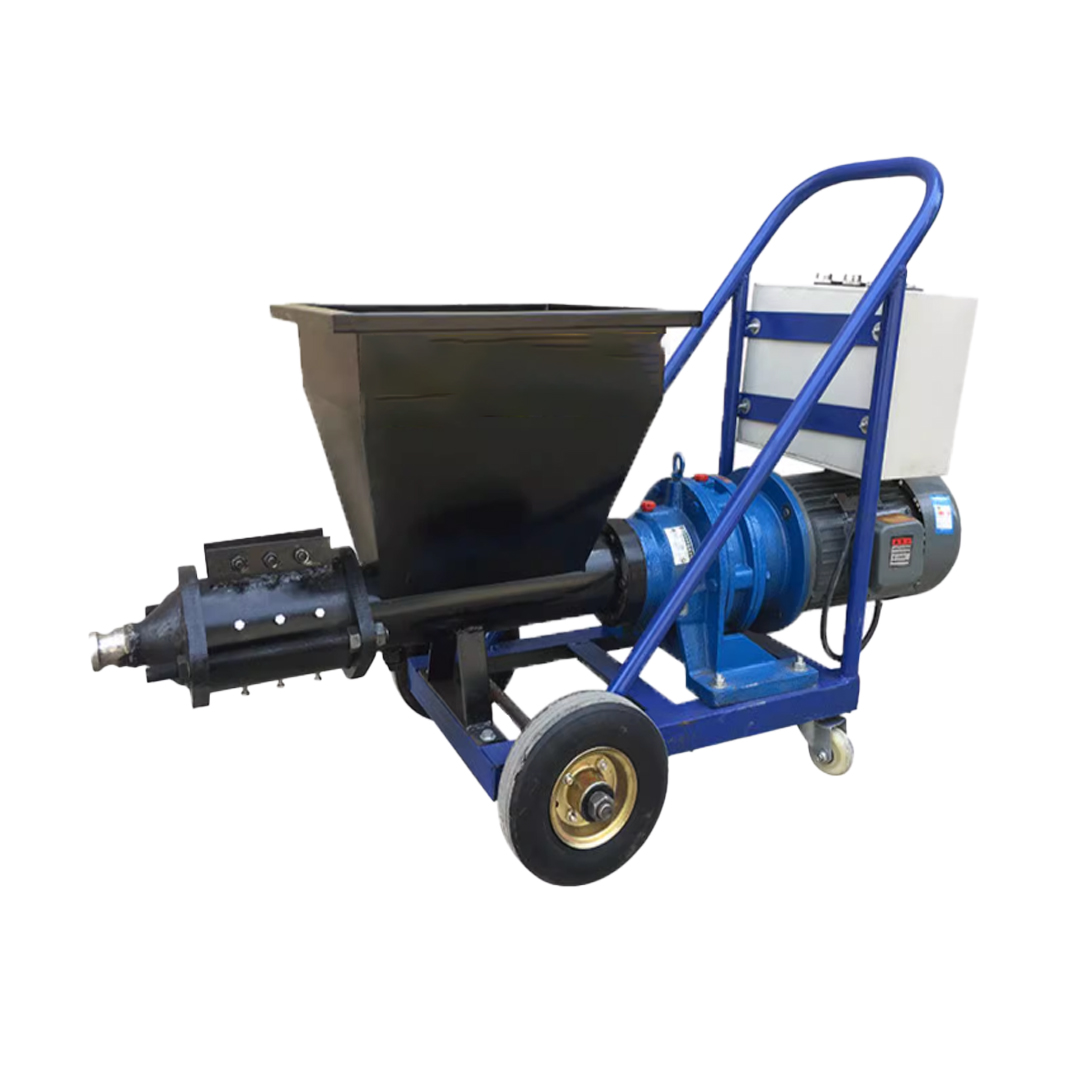
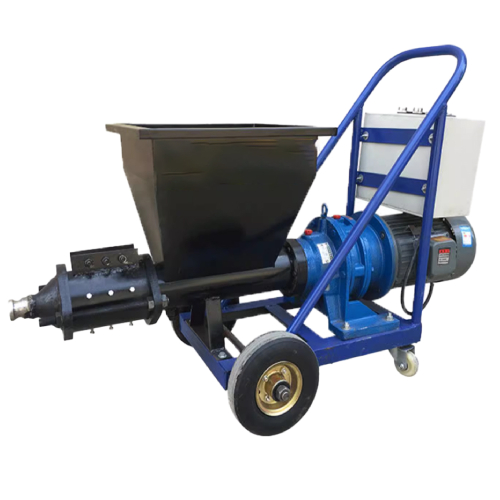
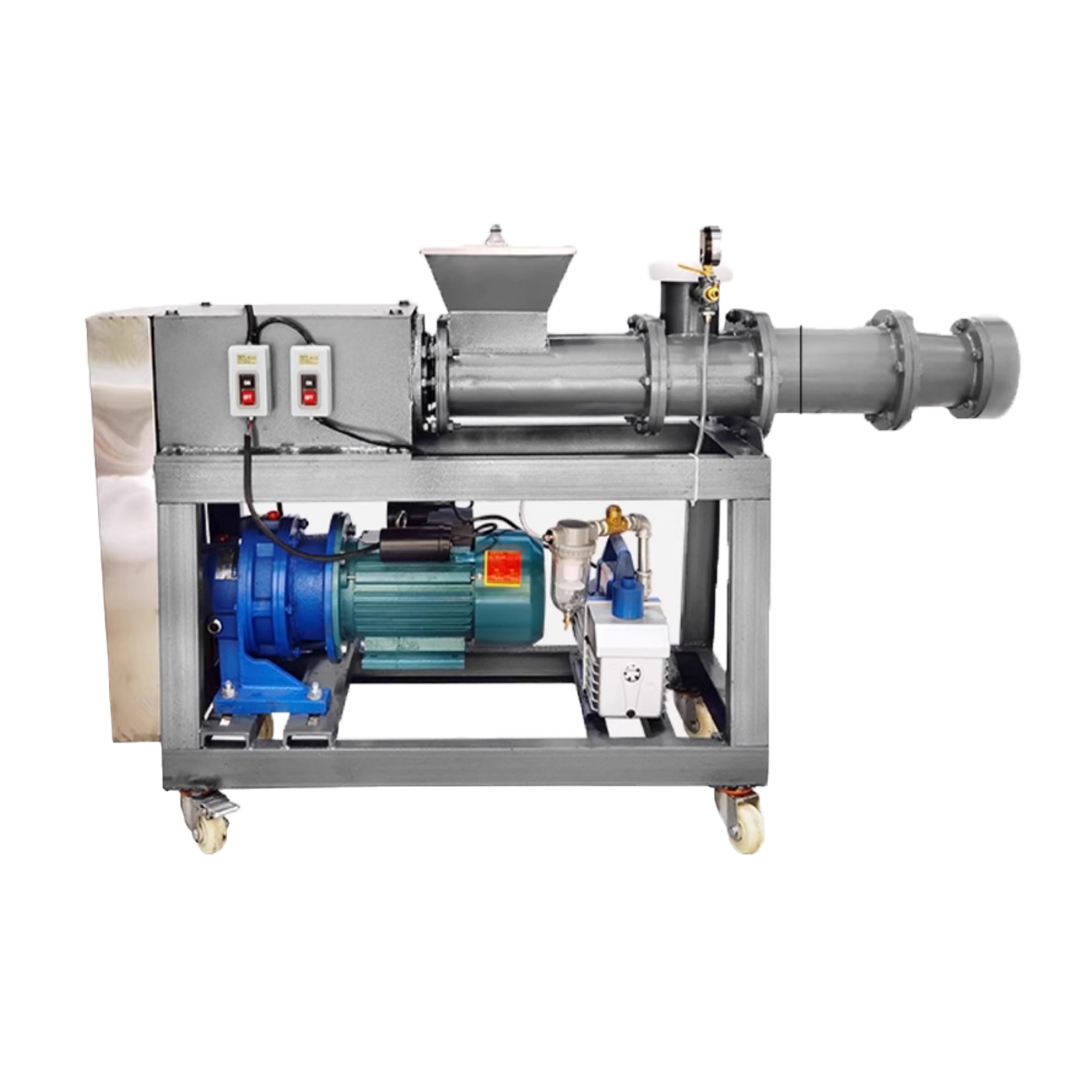
| Rated power | 4kw |
|---|---|
| Rated voltage | 180V-220V |
| Rated frequency | 50Hz |
| Maximum pressure | 2MPA |
| Passable particle siz | 0.6cm |
| Conveying flow rate | 1.5cbm/h |
| Conveying distance | Vertical 7m , horizontal 15m |
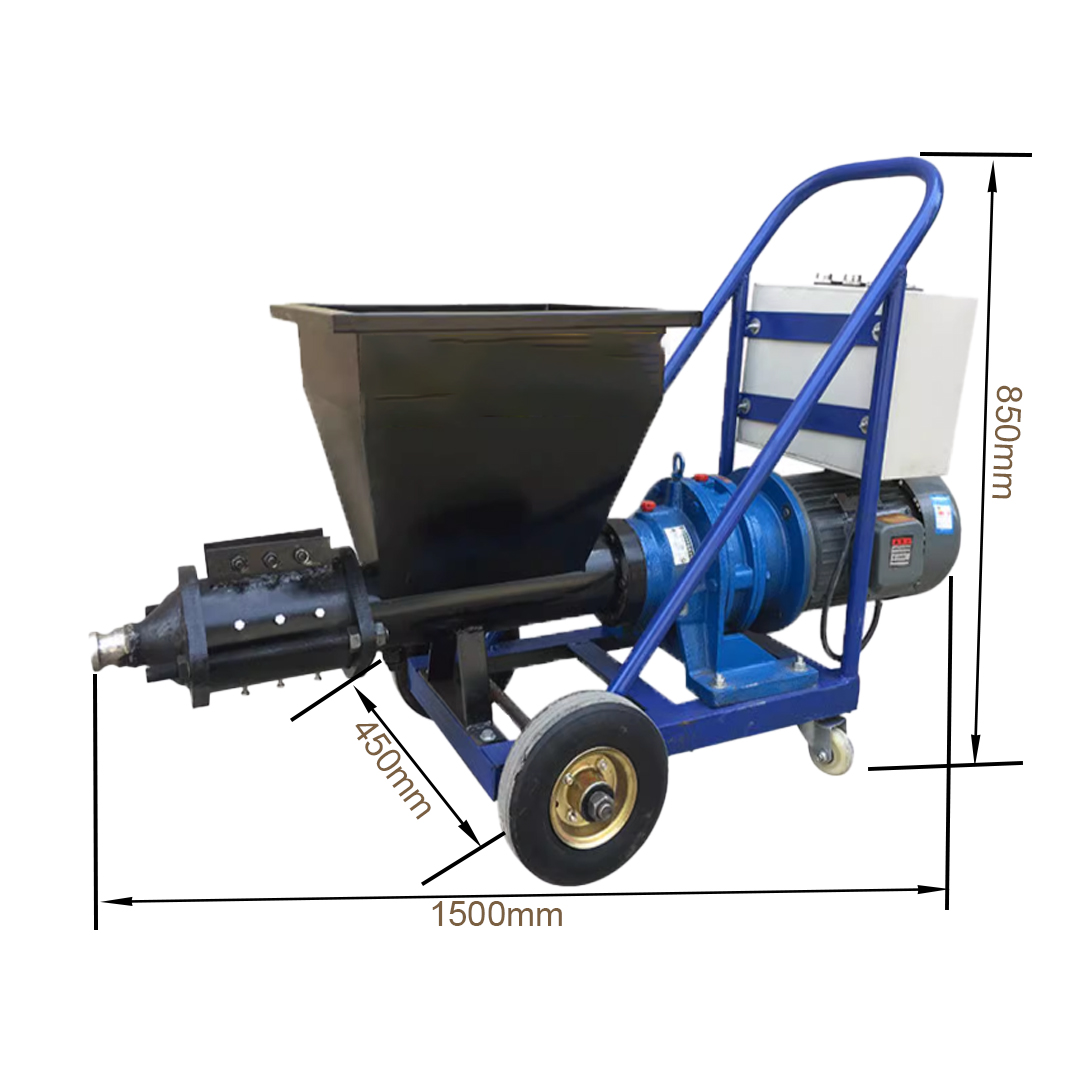
| Overall dimensions | 1500x450x850mm |
| Weight | 130kg |


As a core link between the concrete mixer and 3D printer nozzle, the auxiliary pump supports material delivery over 10-50 meters (adapting to large-scale construction or on-site printing). Its high-pressure output system avoids slurry interruption or accumulation during transportation, ensuring continuous and uniform slurry supply to the nozzle—effectively preventing printing layer gaps and component scrapping caused by feeding breaks.
Equipped with frequency conversion or flow control valves, the pump adjusts slurry delivery volume in real time based on 3D printing parameters (e.g., nozzle moving speed, layer height, component density). It prevents component deformation from excessive feeding and internal voids from insufficient feeding, directly guaranteeing printing accuracy and component structural integrity.
Designed with anti-adhesion and strong pushing structures (screw/plunger type), the pump smoothly conveys high-viscosity 3D printing concrete slurry (to avoid post-printing collapse). It also features a secondary filtration function to block tiny impurities missed by the mixer, preventing nozzle clogging and reducing printer maintenance costs—while improving the surface finish and internal density of printed components.
Troubleshoot two key points: Check if the slurry delivery pipe is bent/clogged; turn off the pump, disassemble the pipe mid-section, and clean it with a dedicated rod;Confirm if the pump’s pressure threshold matches the slurry (different aggregates need different pressures); fine-tune it to 0.8-1.2MPa (per manual) to resume stable delivery.
Disassemble and clean the pump’s delivery screw weekly with neutral cleaner to remove dried slurry (avoids reduced pushing force); Check the motor-converter connection monthly; re-tighten loose wires and calibrate the converter’s frequency to match the printer’s nozzle speed.
Be in Touch with Us